Create or join a company workspace
Start by checking whether your company already has a profile.
Steps
- Open For employers, choose Create or join your company, sign in to your PingWork account and search for the company name.
 View full size
Example · After signing in, type your company name in the search field under “Create or join your company.” - Check the matching record. Open an existing workspace you already belong to, request access when offered, or follow the claim option on a public research profile.
 View full size
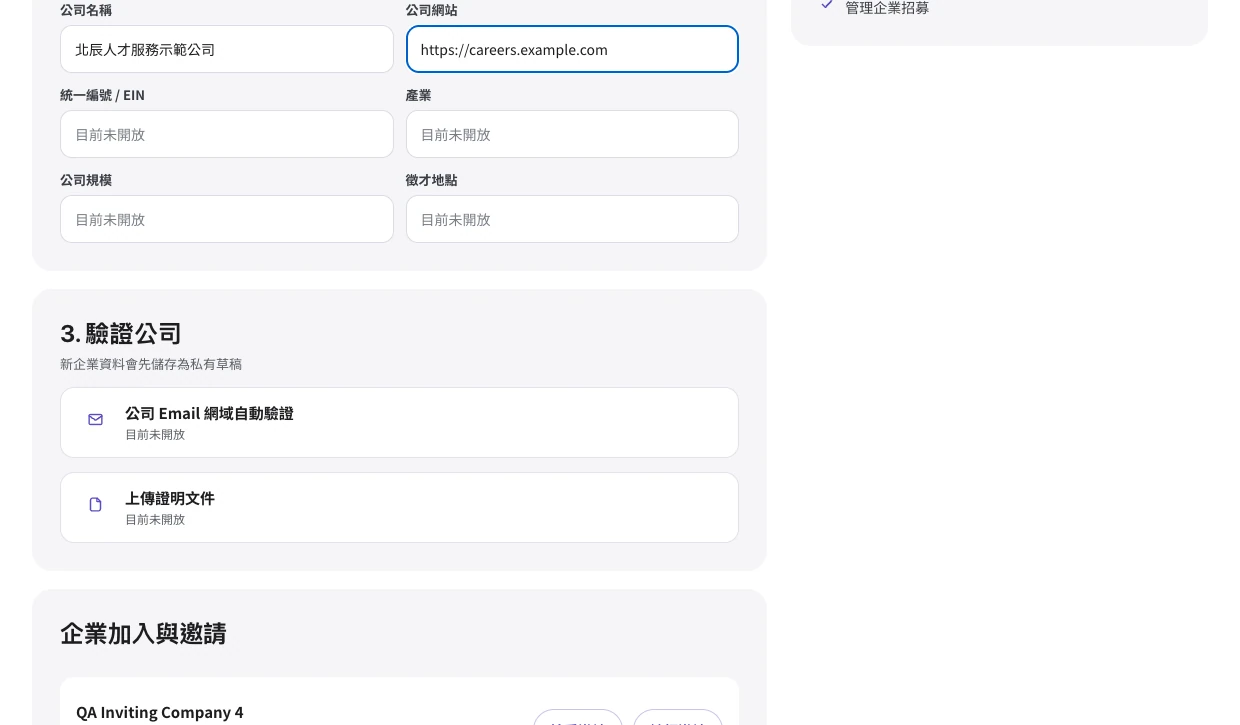
Example · Compare the matches, then open, request access to, or claim the relevant company. - If your company needs a new workspace, enter the company name, add its HTTPS website if available, and submit.
 View full size
Example · Enter the company name and HTTPS website for a new workspace.
Check the result
The new company starts as a private draft. Continue setup from onboarding.