Edit and publish your company page
Open the company you own before editing its public profile.
Steps
- Open Company profile, edit the business details and select a logo or cover image where offered. Save the draft.
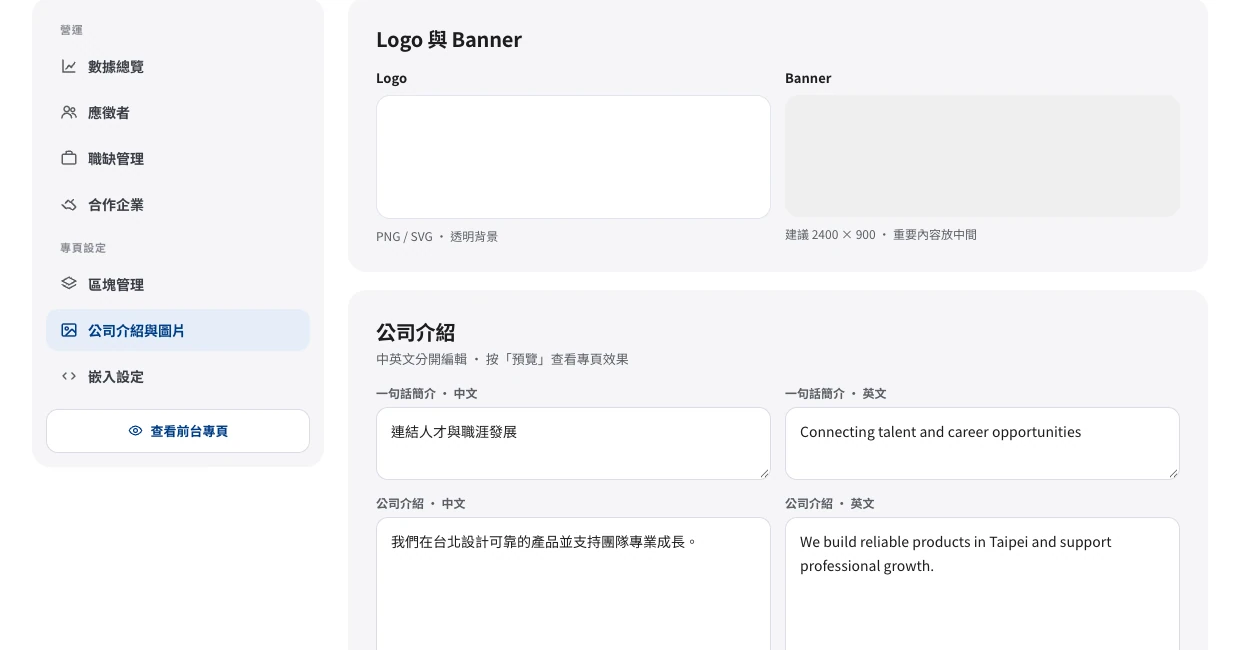 View full size
Example · Edit bilingual company copy and brand imagery in “Company profile.” - In Sections, edit the Chinese and English headings and copy. Set visibility for each section and check the overview, services, culture and benefits.
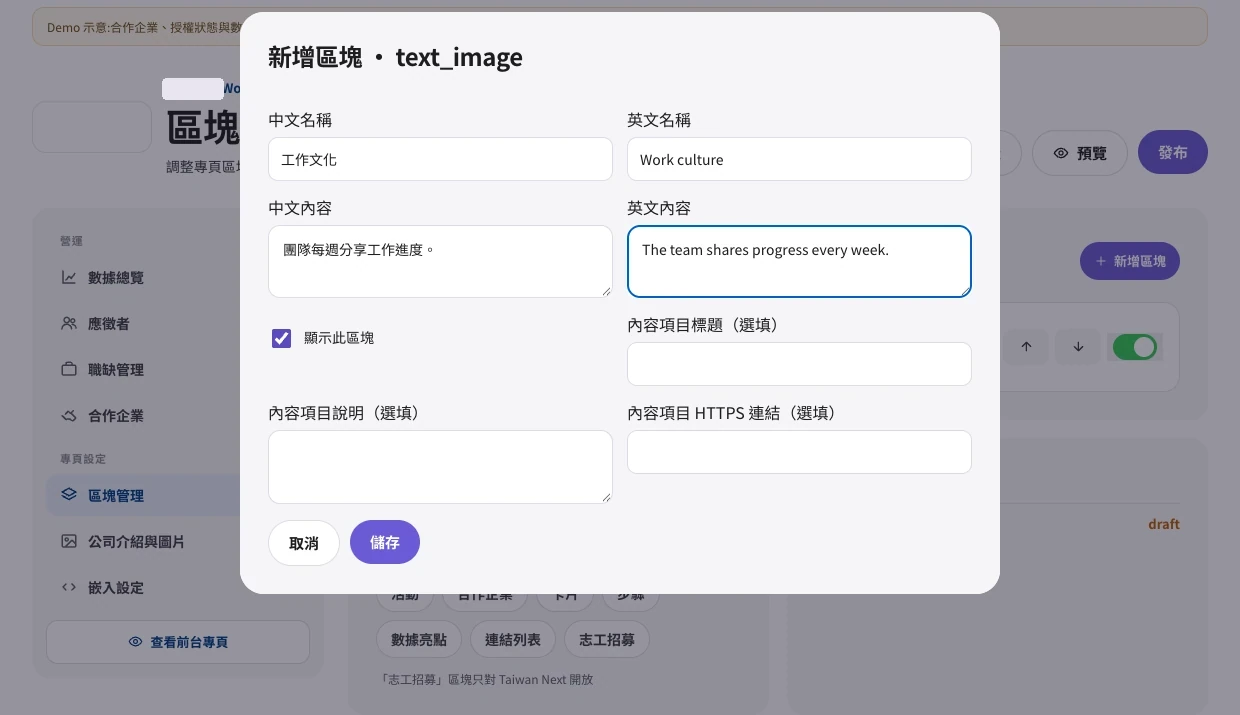 View full size
Example · When adding a text section, enter its Chinese and English copy and set visibility. - Preview the saved version, publish when ready, then open the public profile from the company directory. Switch languages and check the content and job links.
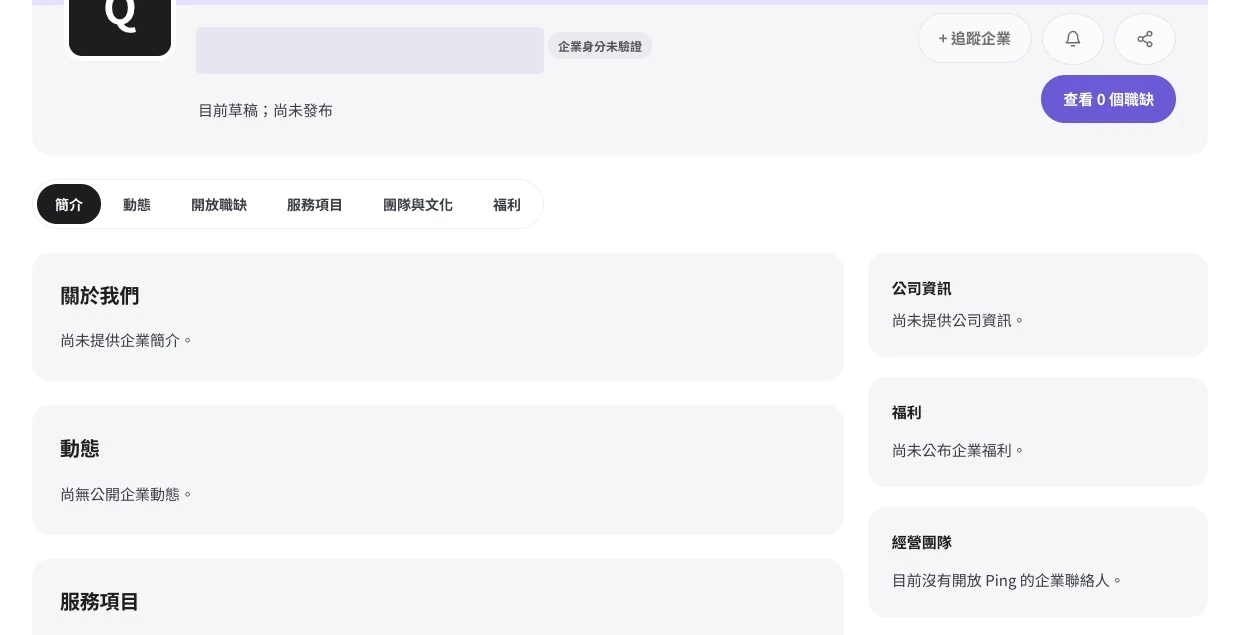 View full size
Example · Use “Preview” to inspect the saved company content. After publishing in Sections, verify it on the public profile.
Check the result
Drafts remain editable. The public page uses the published revision and its visible sections.