Claim a company profile in the directory
An authorized representative can submit evidence from an eligible company workspace.
Steps
- Open the claim option in the company search results or public research profile. Select the organization you represent and check the research company name and sources.
 View full size
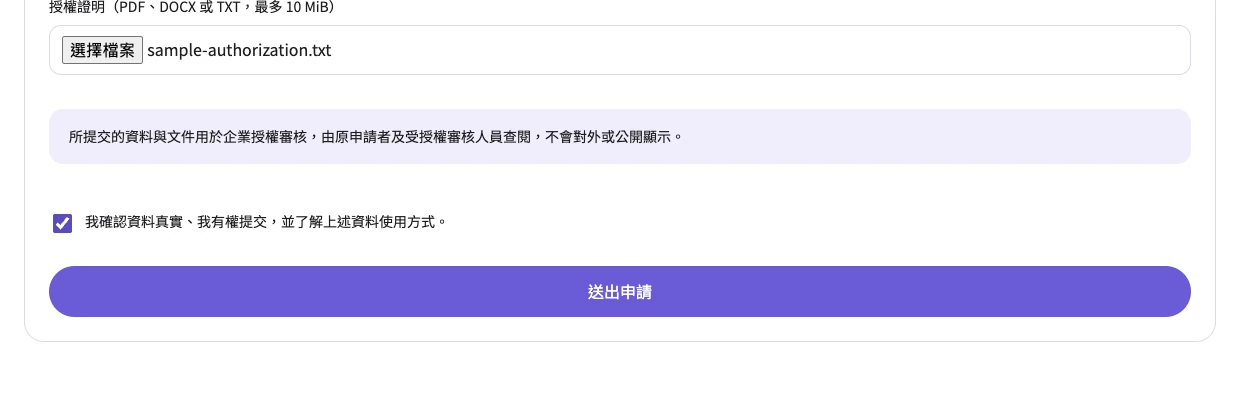
Example · Check the source on the research profile and open “Claim this company.” - Complete the form and attach proof of representation as a PDF, DOCX or TXT file, up to 10 MiB. Submit it for manual review.
 View full size
Example · Attach authorization evidence and acknowledge the statement before selecting “Submit application.” - Return to Company claims to read the decision. If more evidence is requested, open that request and add the explanation or attachment.
 View full size
Example · Reopen the same claim to verify its pending-review status and submitted attachment.
Check the result
The request shows its review status and any evidence request. A reviewer must approve representation.