Invite teammates or manage join requests
The company owner chooses HR or interviewer access. Each teammate responds using their own registered account.
Steps
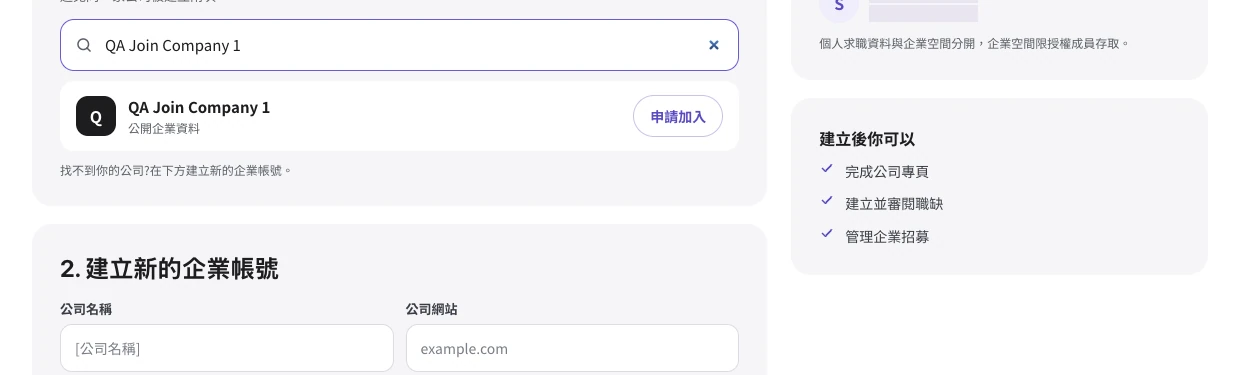
- A member can find the company under Create or join your company and select Request to join. A pending applicant can withdraw under Company access & invitations.
 View full size
Example · Find the intended company in the results and choose “Request to join.” - On the onboarding page, the owner reviews pending requests, selects a role when approving, or rejects the request. To invite someone directly, enter their registered email and choose their role.
 View full size
Example · Owners use “Join requests and invitations” to grant HR or interviewer access, approve requests, or send invitations. - The invitee signs in and opens Company access & invitations under Create or join your company to accept or decline. The owner may cancel a pending invitation. Reload to check the status.
 View full size
Example · Invitees check their role under “Company access & invitations” and accept or decline.
Check the result
Accepted HR members can open authorized recruiting workspaces. Interviewers are directed to their own interview bookings.