Register for an event and view your receipt
In-app registration uses the account you are signed in to.
Steps
- Open registration from the event detail, check your attendee information, choose an available ticket and answer the required questions.
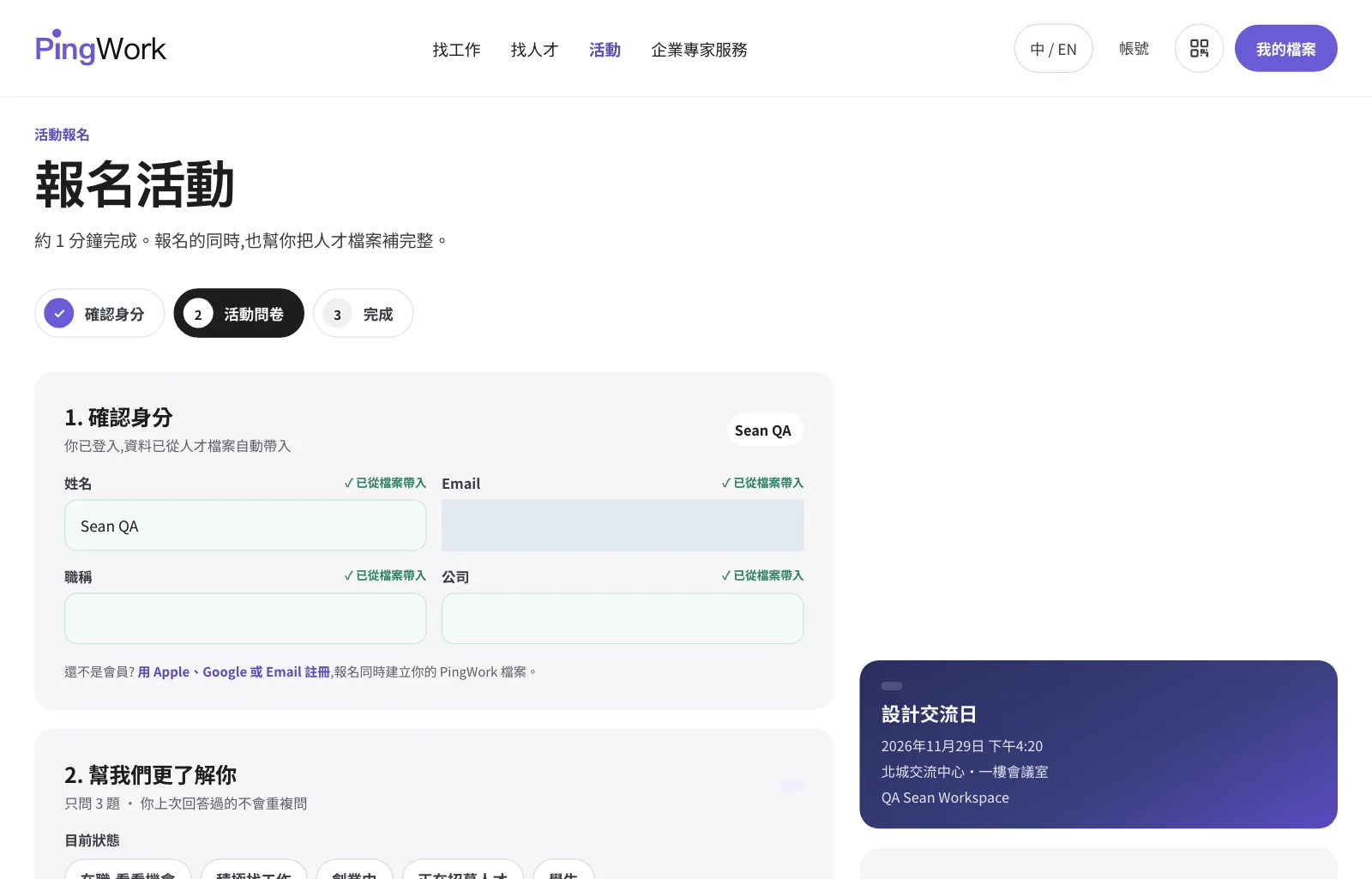 View full size
Example · Check attendee details, then select the ticket and complete the questions. - Review directory visibility and contact permissions individually. If attaching a résumé, check the selected version and its intended use.
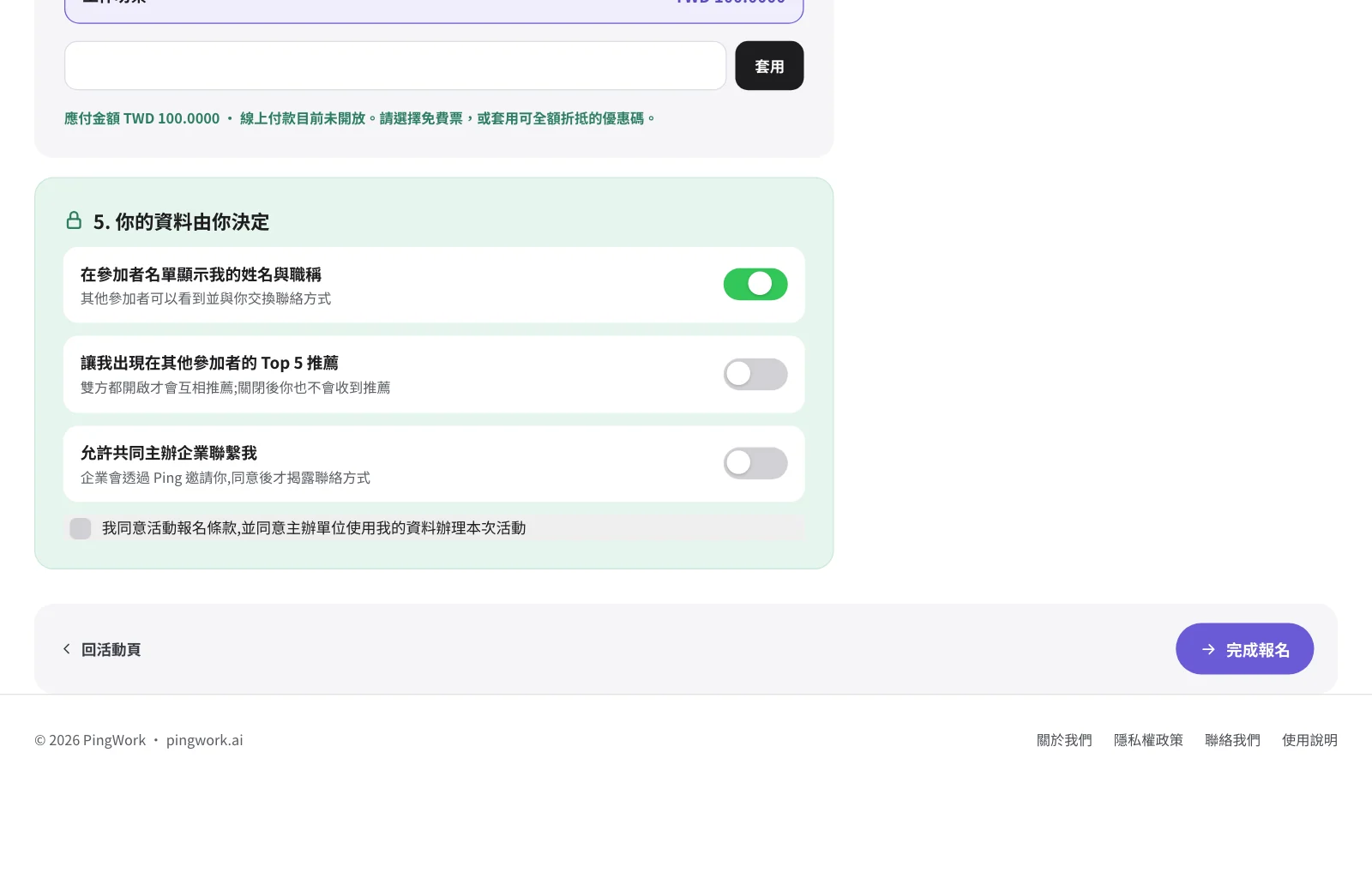 View full size
Example · Review directory visibility and contact permissions separately under Your data, your choice. - Open the event terms, read them and select “I have read and agree to this event policy.” Review the price and permissions, submit and keep your receipt.
 View full size
Example · Read and acknowledge the event terms, then return to the form to submit.
Check the result
Your receipt shows confirmed, pending approval or waitlisted, according to the event rules.