Apply a promo code and check the ticket price
For a paid ticket, the final balance after any coupon determines whether you can submit.
Steps
- Choose a ticket on the registration page. If you have a coupon, apply it and check the amount and currency shown.
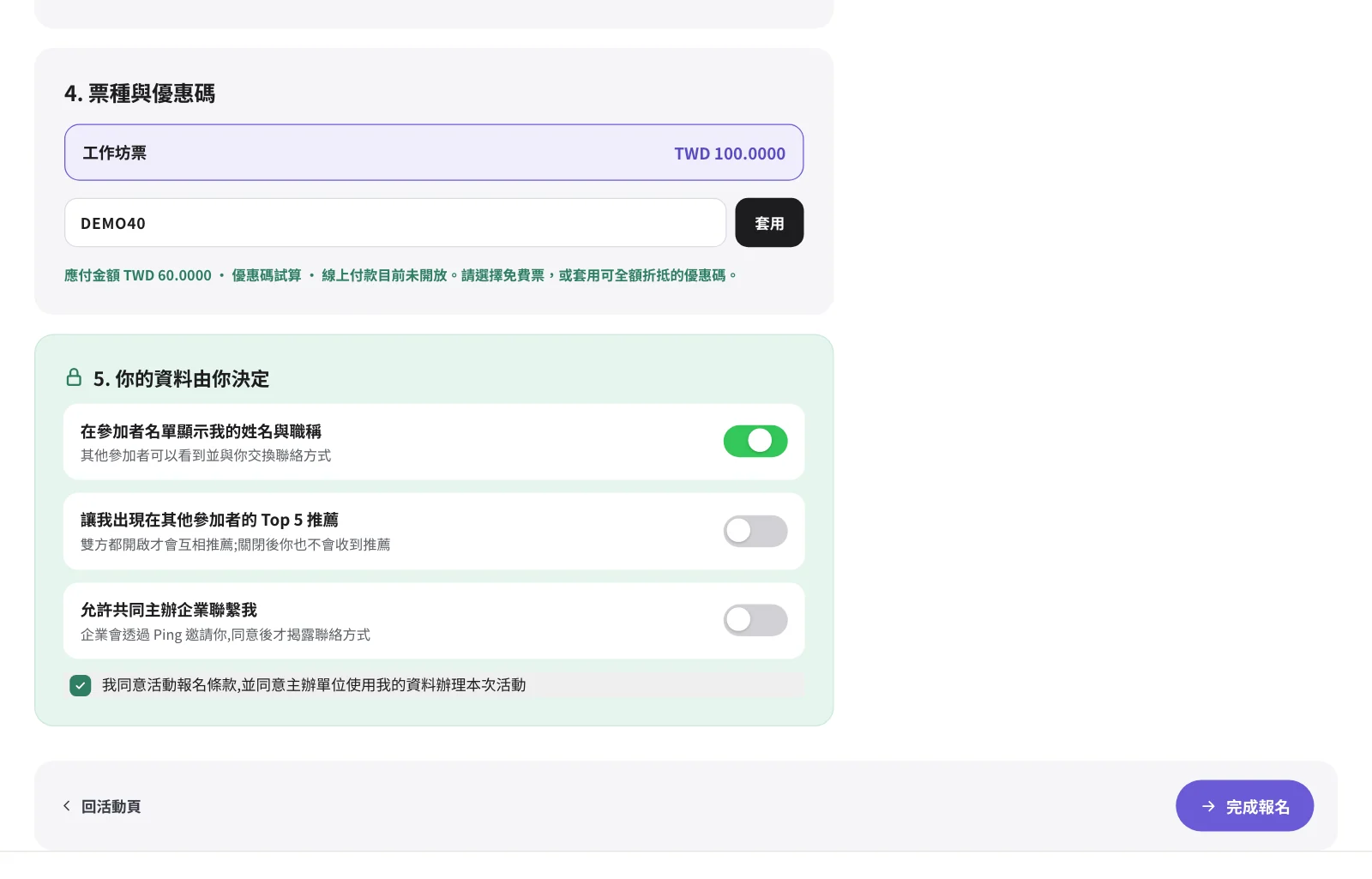 View full size
Example · A valid discount quote shows the currency and remaining balance. - If you edit the code, apply it again and wait for a fresh quote. For a free ticket or valid full discount, confirm the balance is zero, review the terms and submit.
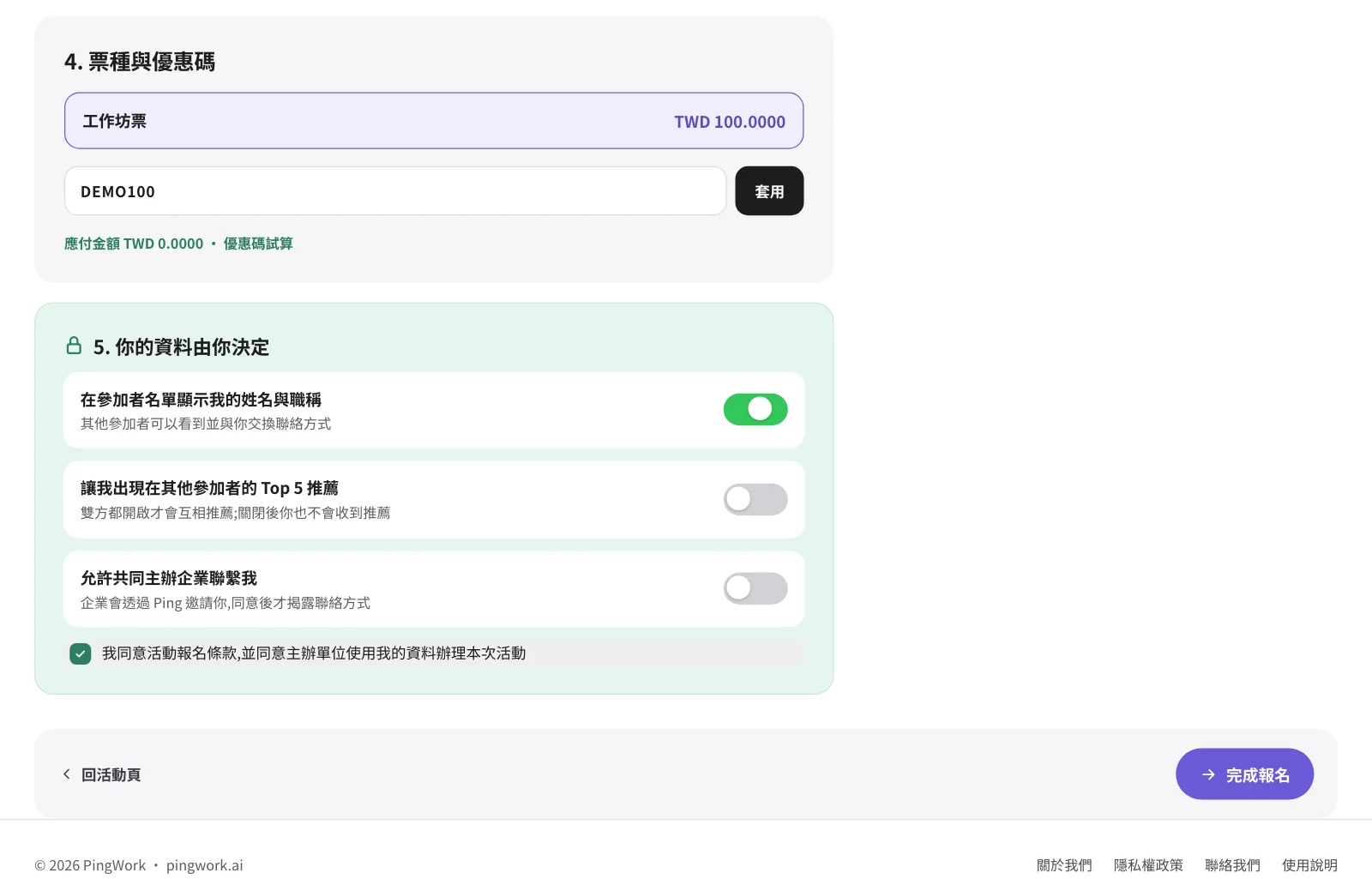 View full size
Example · After reapplying a full discount, verify the amount due is zero. - If a balance remains, the coupon is invalid or the quote is pending, read the notice and ask the organizer about available registration options.
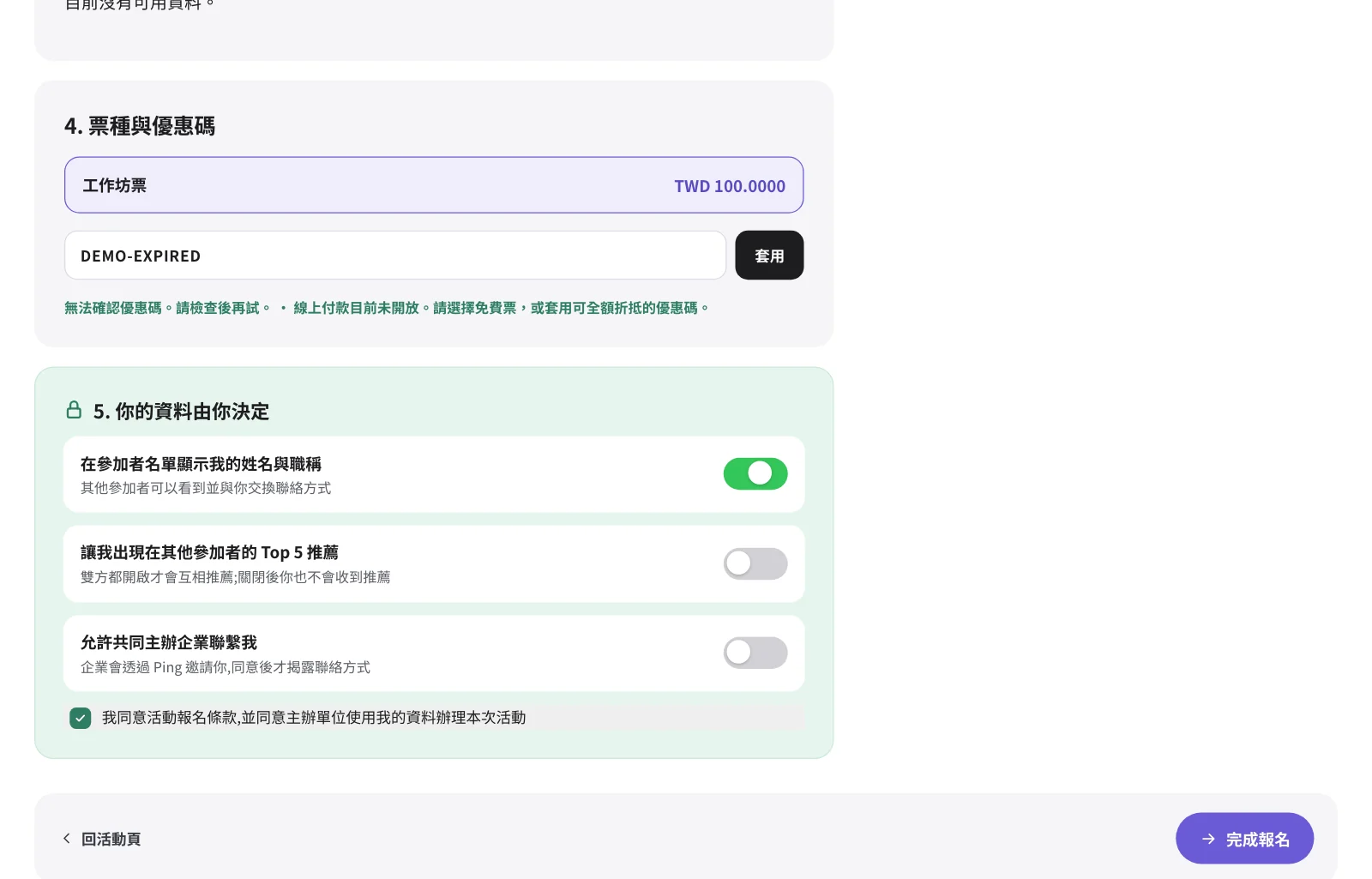 View full size
Example · If the coupon could not be applied, read the notice beside the quote.
Check the result
A zero-balance registration can proceed to confirmation or organizer review.