Find your event ticket or check waitlist and cancellation status
Use the receipt from your own registration to check its current status.
Steps
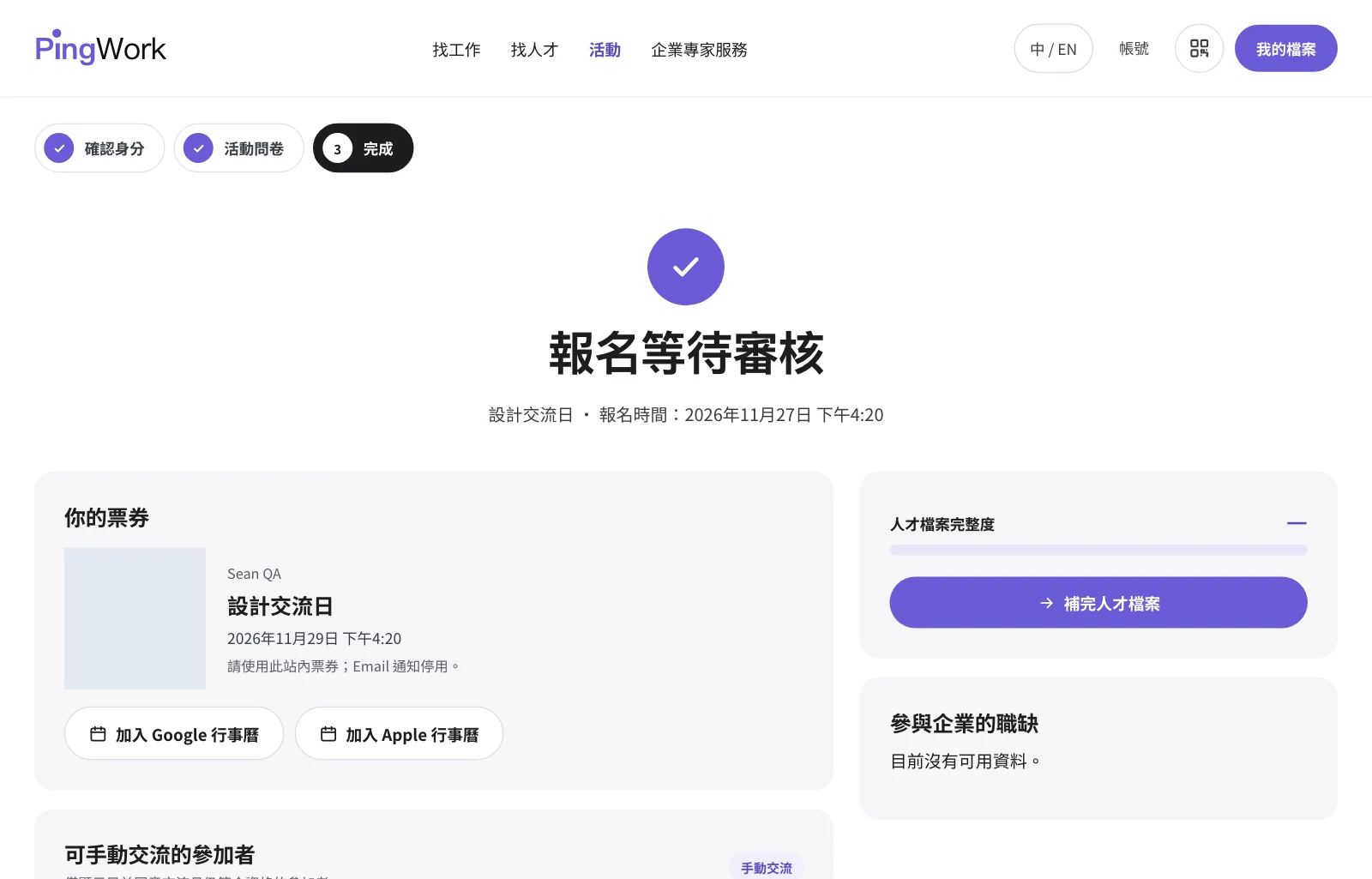
- Open the original receipt while signed in with the account you registered with. Check the event name and status.
 View full size
Example · Verify the event name and current registration status on the original receipt. - A confirmed receipt displays your admission QR. If you are pending approval or waitlisted, keep the receipt and check back after the organizer processes it.
 View full size
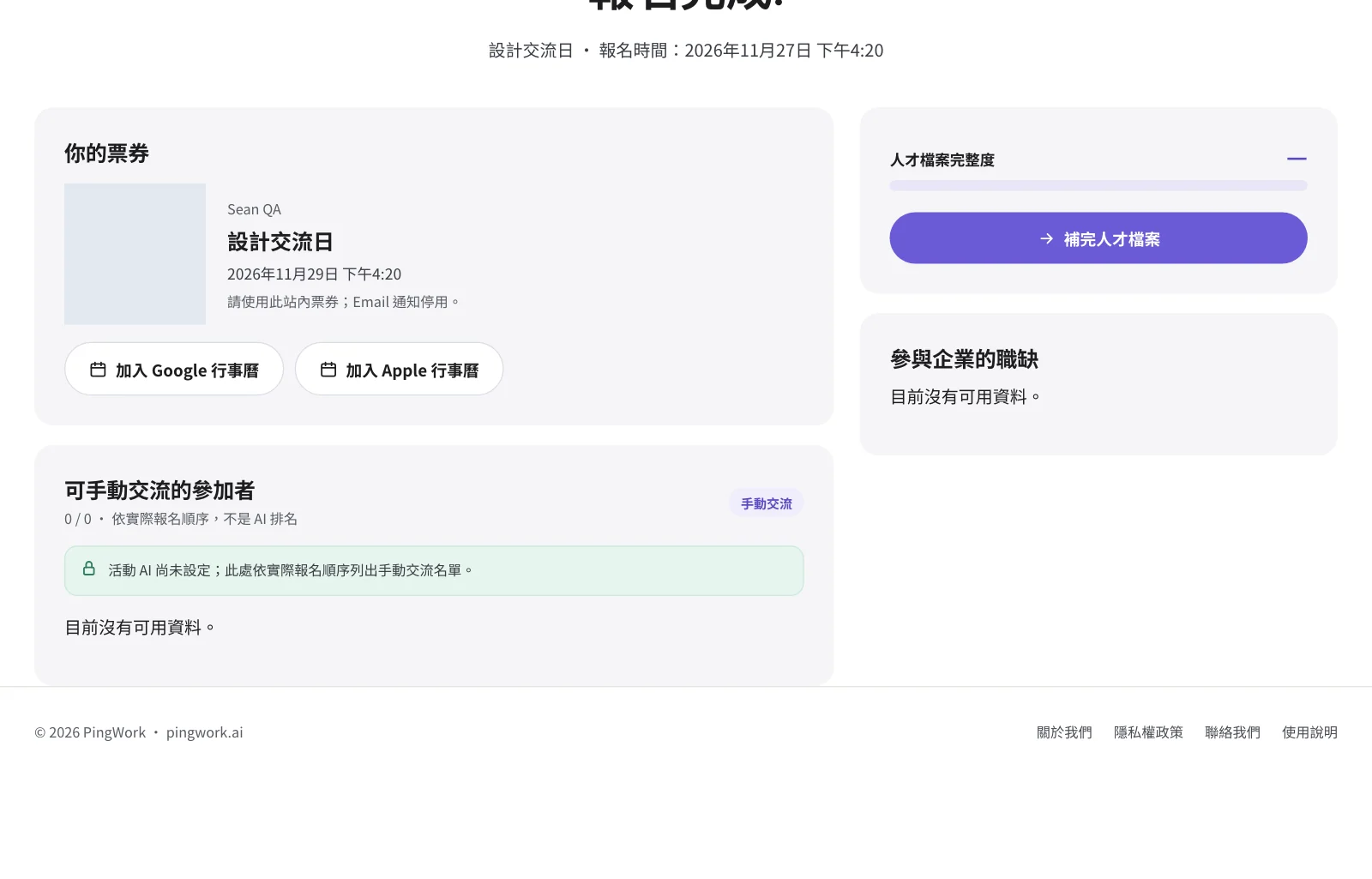
Example · The confirmed receipt contains an admission ticket. The sample QR is masked. - If you need to cancel and the receipt offers no cancellation action, contact the organizer with your registration details. Reopen the receipt to check the result.
 View full size
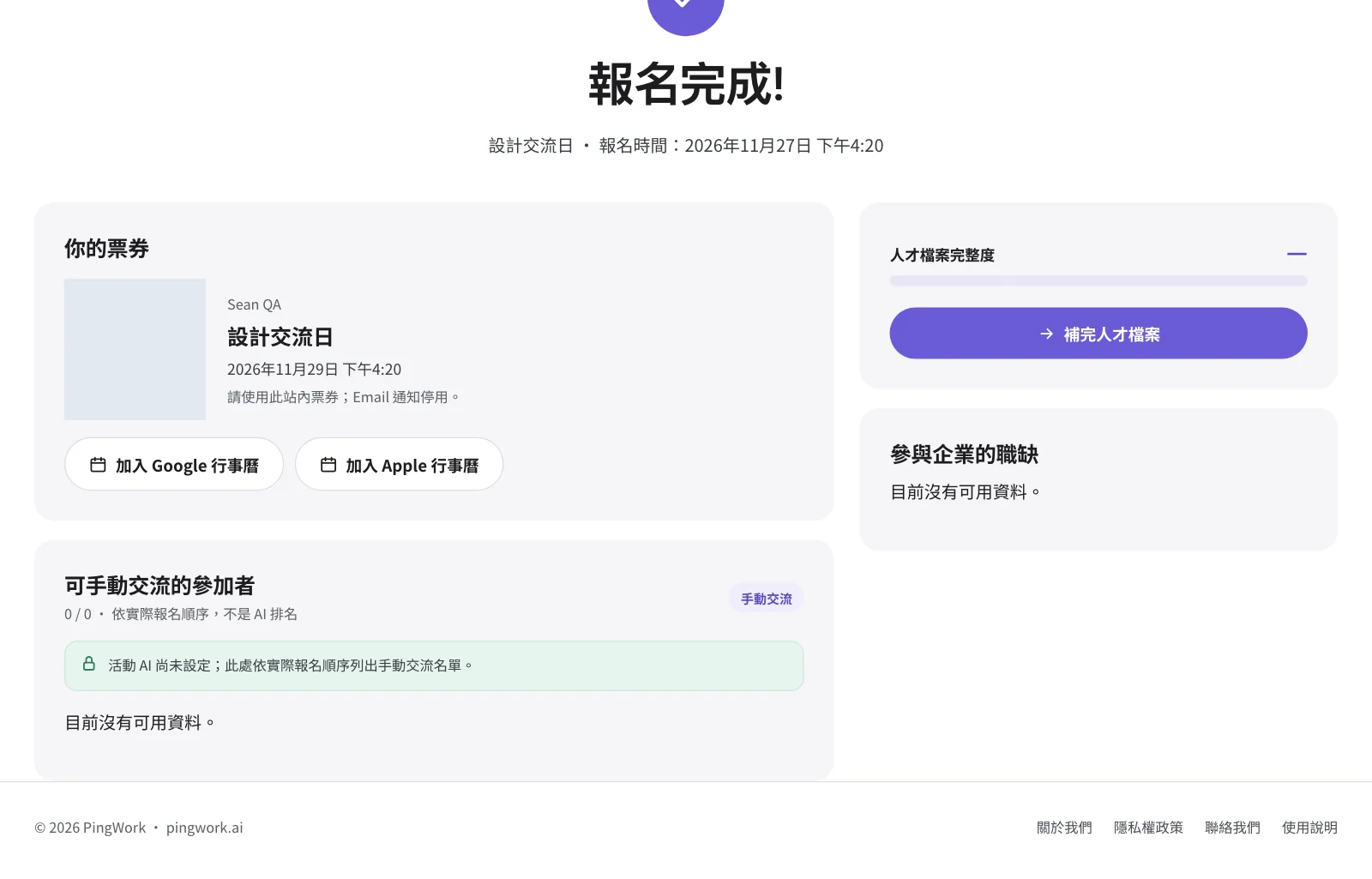
You can reopen the same receipt after registration. Use the event information on the receipt to contact the organizer when cancellation is unavailable here.
Check the result
A confirmed registration provides an admission ticket. Canceled, waitlisted and pending registrations do not.