Reply to a Ping and send in-app messages
A connection invitation retains its source and purpose, such as a card exchange or an event.
Steps
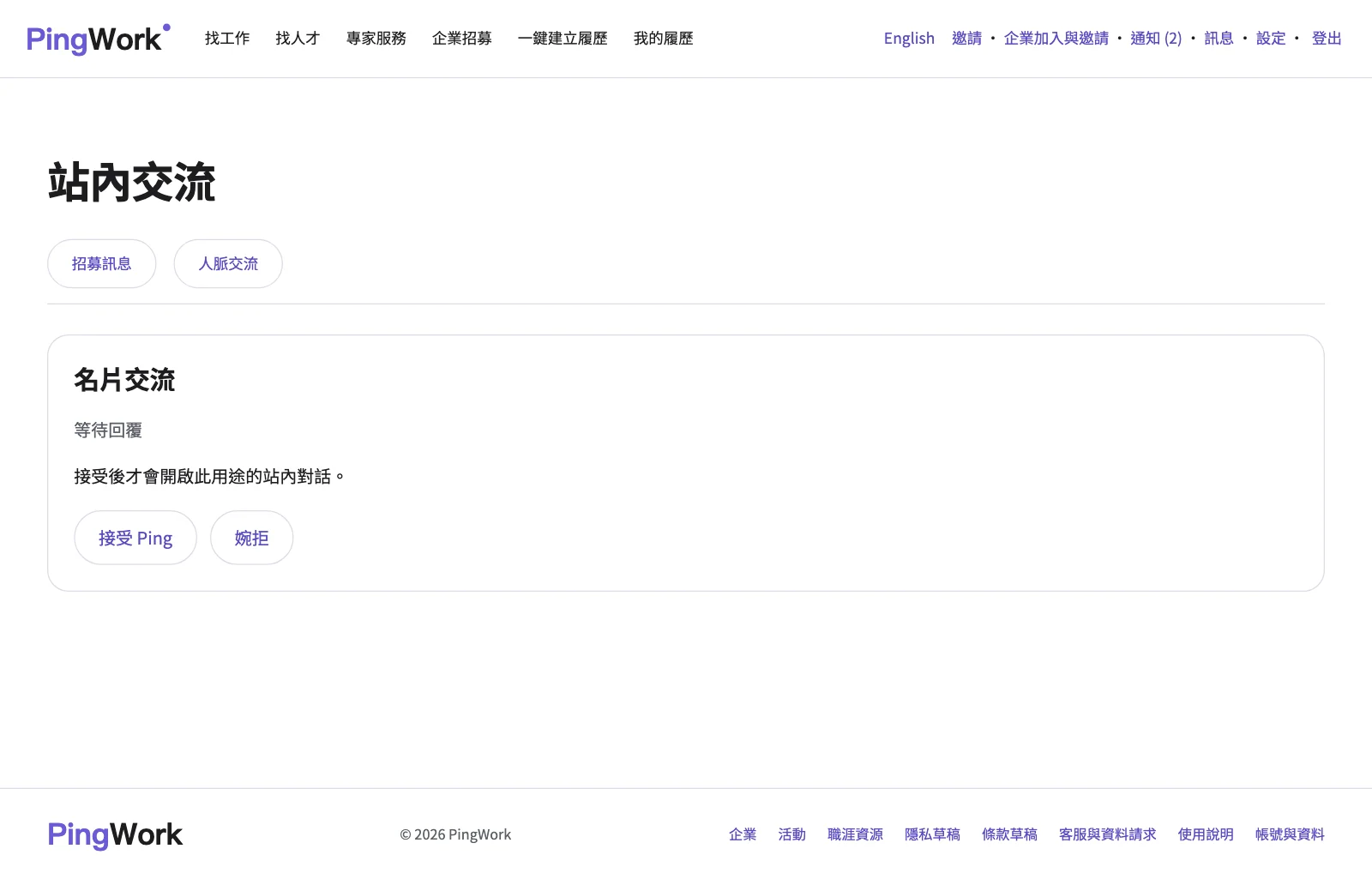
- From Messages, open Connections and select an invitation. Check the person and the stated purpose.
 View full size
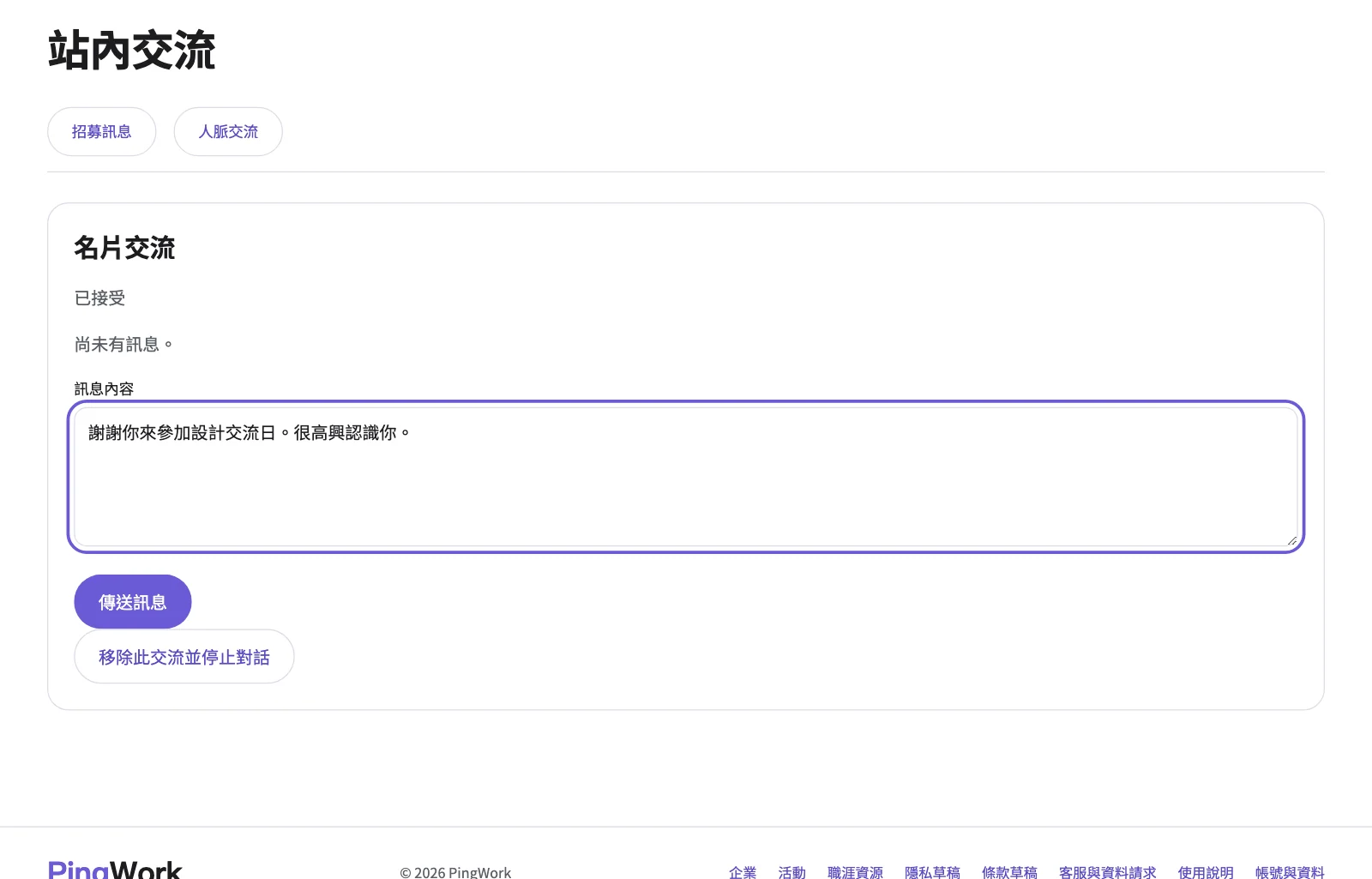
Example · Check the purpose in the invitation. This business-card connection offers Accept Ping and Decline. - Choose Accept Ping to connect, or Decline if you do not wish to. Open an accepted conversation, enter your message and select Send message.
 View full size
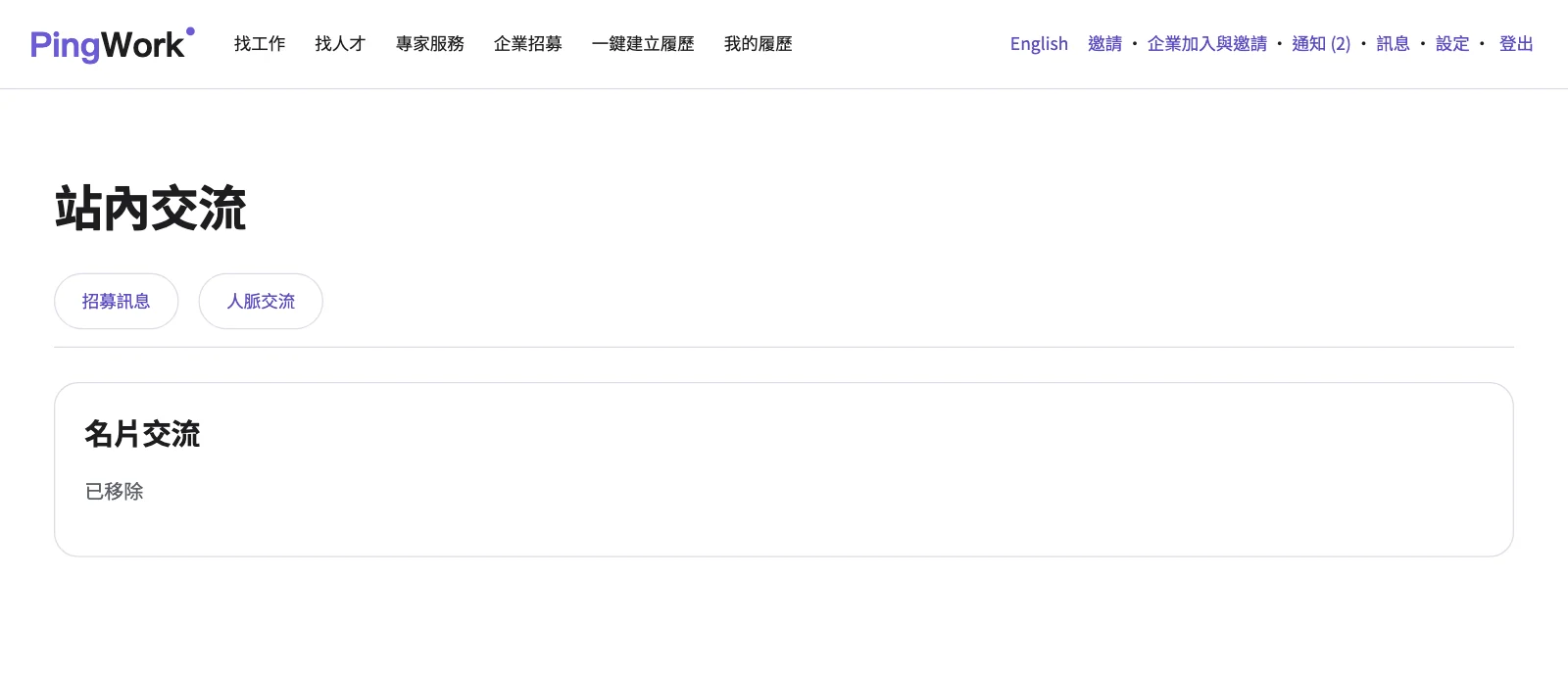
Example · Once you accept a Ping, the connection page provides a message box and Send. - To stop further contact, select Remove this connection and stop the conversation on its detail page. Confirm and check the status.
 View full size
Example · Reopen the original connection and verify that it is removed and conversation access has stopped.
Check the result
Both people can use the in-app conversation while that accepted connection remains valid.