Review expert quotes and transaction status
Use the original request or a link supplied by PingWork to open a quote you are authorized to view.
Steps
- Check the organization, brief, and quote version. Review scope, deliverables, travel, currency, amount, and payment terms.
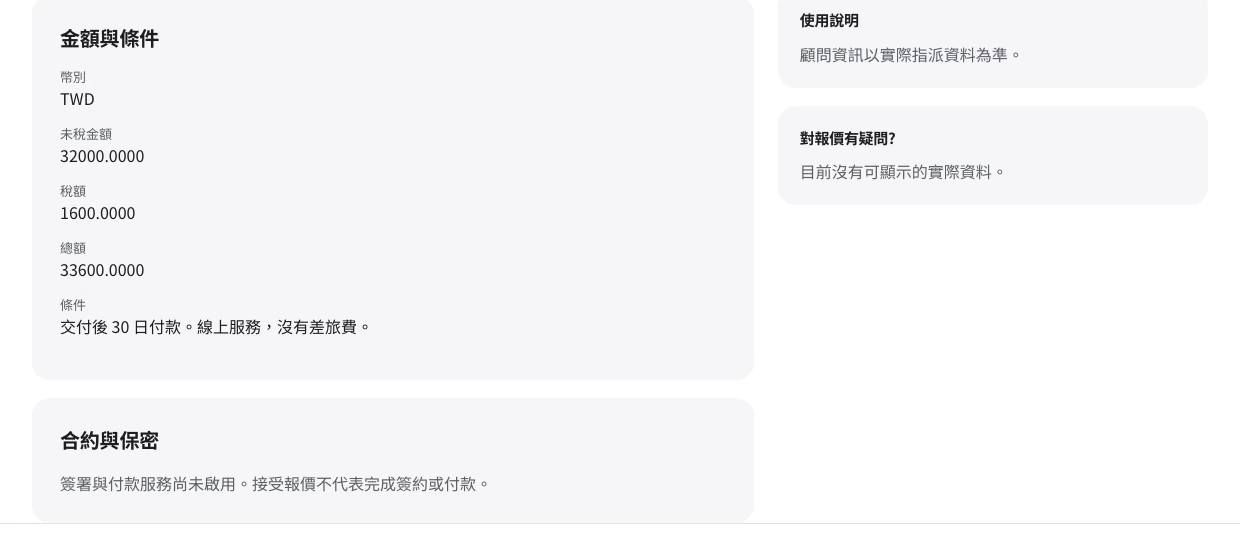 View full size
Example · Check the currency, sample amounts, and payment terms in the issued quote’s “Amount & terms” section. - Request corrections or review from the original case and identify the quote version so follow-up stays with the same record.
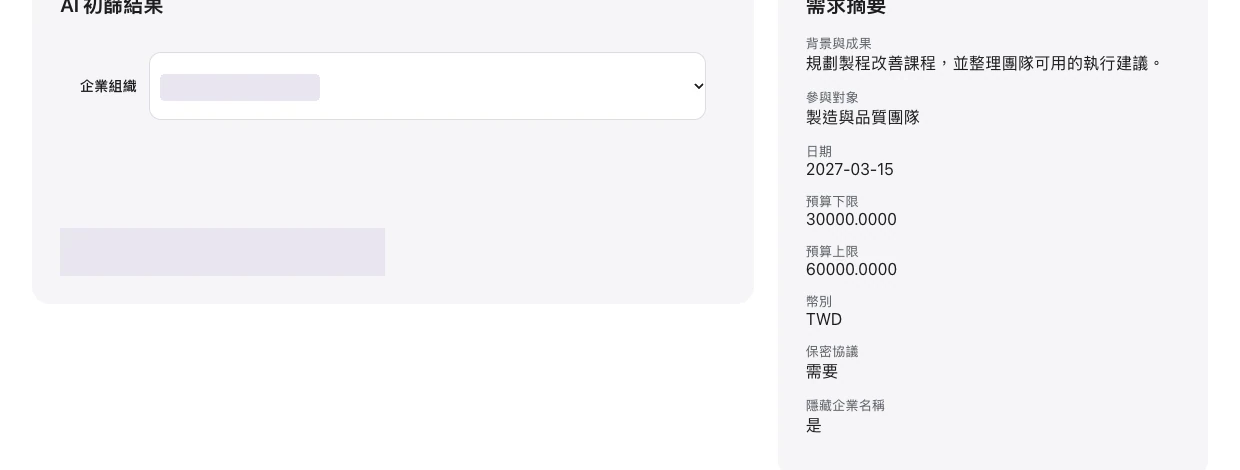 View full size
Example · Find the same quote from the original request so any review or correction stays with that record. - If you reach Sign & pay or the expert earnings preview, check the availability notice shown there.
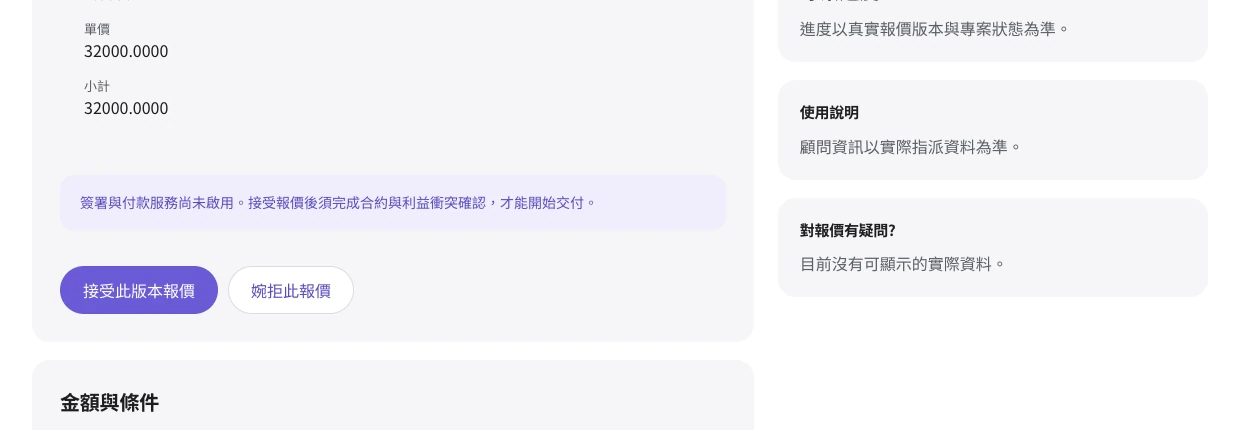 View full size
Example · Check the status on that quote. The page says signing and payment are unavailable.
Check the result
You can verify the quote version and details you have access to.