Submit and track an expert services request
Authorized users with the company’s expert-services entitlement can submit a brief. Check the selected organization first.
Steps
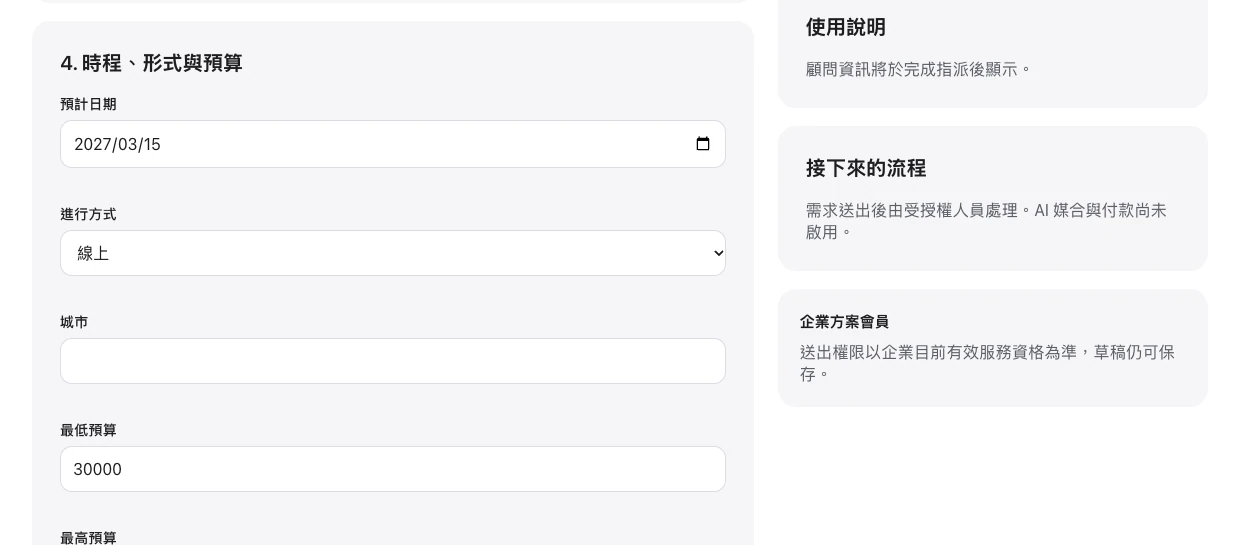
- Open Submit an expert brief. Select the service format and add objectives, audience, timing, budget, and currency.
 View full size
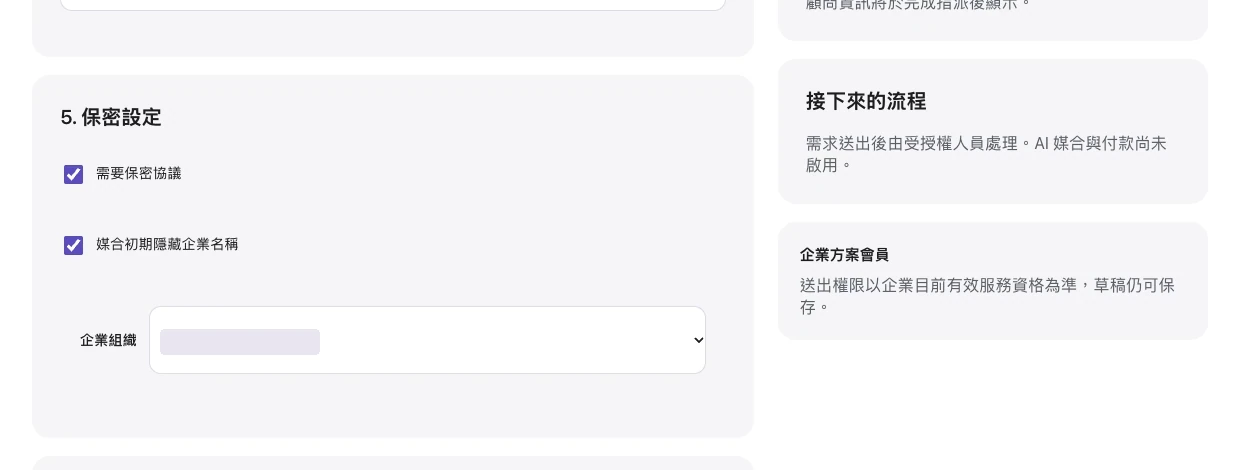
Example · After entering the brief, verify the delivery format, date, budget, and currency in “Timing, format, and budget.” - Check confidentiality and masking options. Save the draft, verify the content and organization, then submit when enabled.
 View full size
Example · Check the NDA and company-masking settings and verify the company selected for the request. - Keep the brief or case reference and follow up from the same record. If it remains a draft, check your company’s entitlement and platform notices.
 View full size
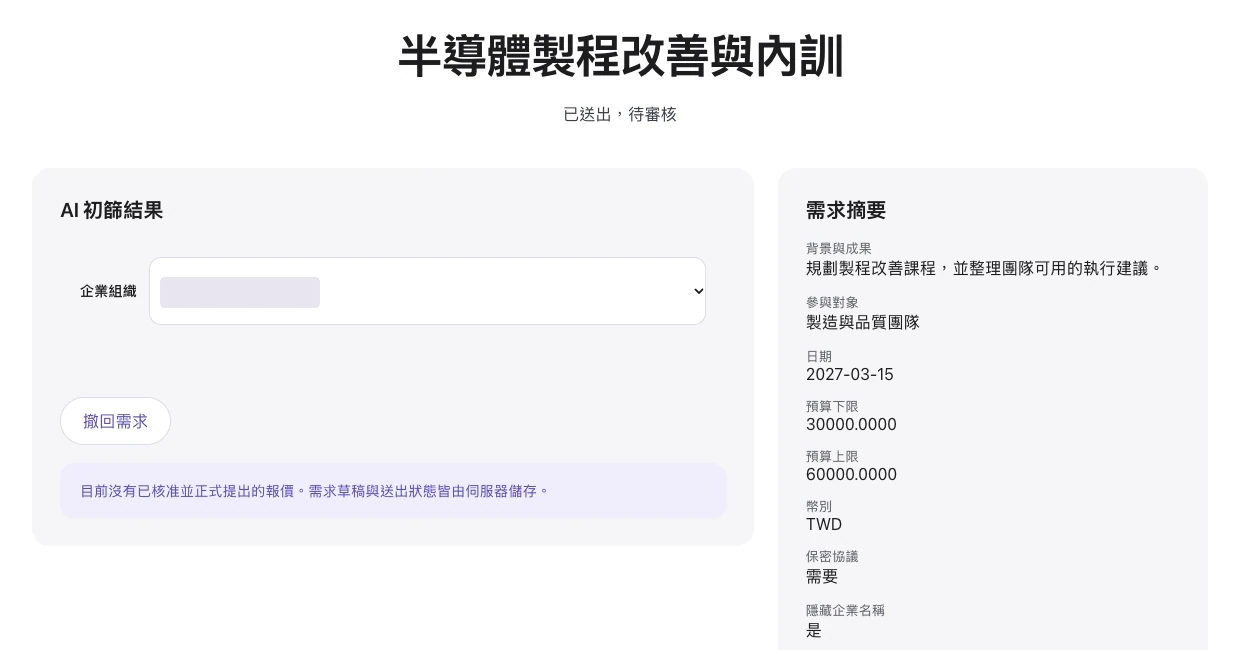
Example · Open the same request to read its submission status, details, and confidentiality settings.
Check the result
A successful submission produces a confirmation page. Use that record to track any quote.