Search for experts and view profiles
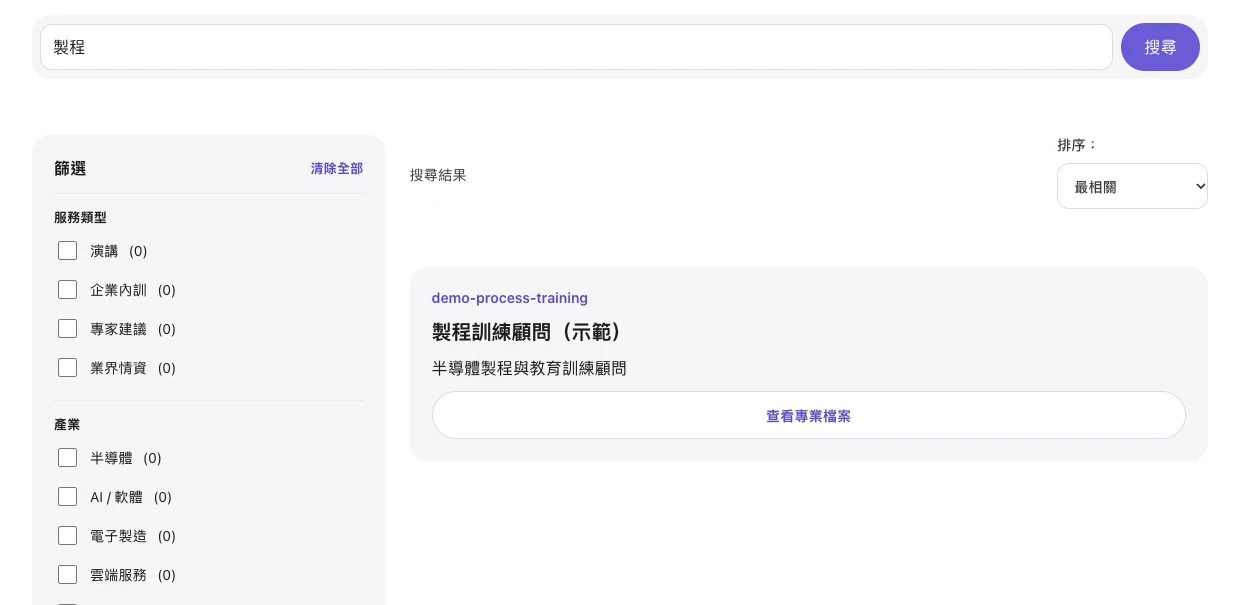
The directory lists published expert profiles. Search by specialty and narrow the results by location.
Steps
- Open the directory, use Search experts or choose a location, and clear filters if you have no results.
 View full size
Example · Search by expertise in the directory, then narrow the results by service or location. - Open a profile and review specialties, service formats, and the information visible to you. Sign in with your own account if prompted.
 View full size
Example · Open a published profile and check its biography and services. - To request services, open Submit an expert brief.
 View full size
Example · When ready to request services, choose “Submit a company request” on the public expert profile.
Check the result
Matching published profiles open from the listing. The directory shows an empty state when no public experts match.