Find terms, privacy policies, and consent status
Read the policy and version for the language of your current workflow. Some actions require published documents in that language, recorded consent, and an eligible account.
Steps
- Open the terms or privacy policy from the footer, account page, or form. Check the document name, language, and status.
 View full size
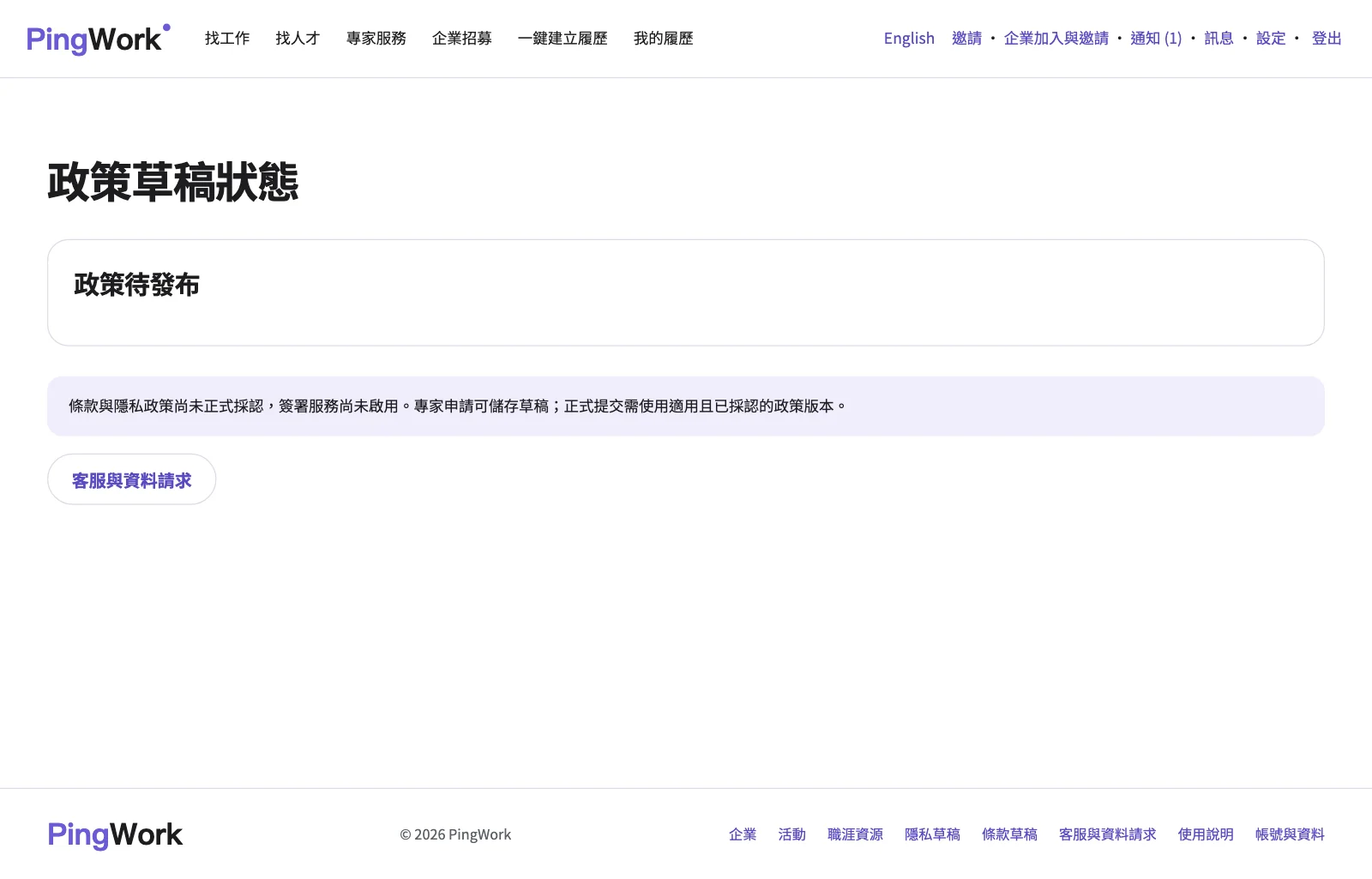
The policy page shows the publication status for the terms and privacy policy. This example is awaiting publication. - If a document is marked as pending publication or unavailable for signing, save your draft if possible. If you need help, give support the feature name, interface language, and document name.
 View full size
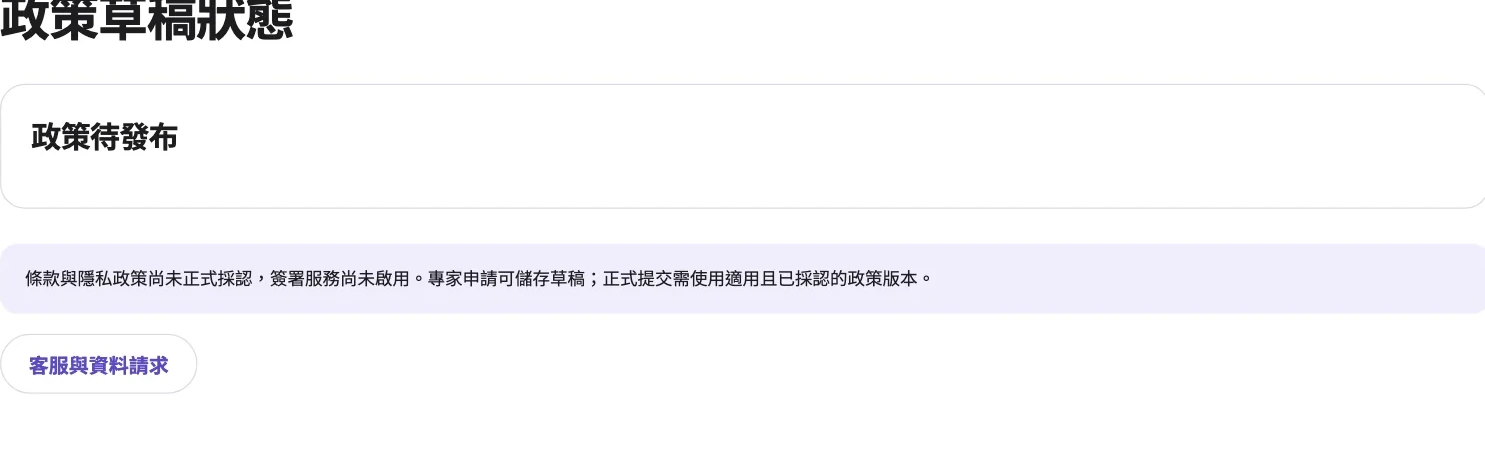
When signing is unavailable, check whether drafts can still be saved. This notice says expert applications can still be saved as drafts.
Check the result
Applicable published requirements appear in the relevant workflow. If no eligible version is available, submission may remain in draft or disabled.