Invite a new member
Only accounts with permission to manage member invitations can create them.
Steps
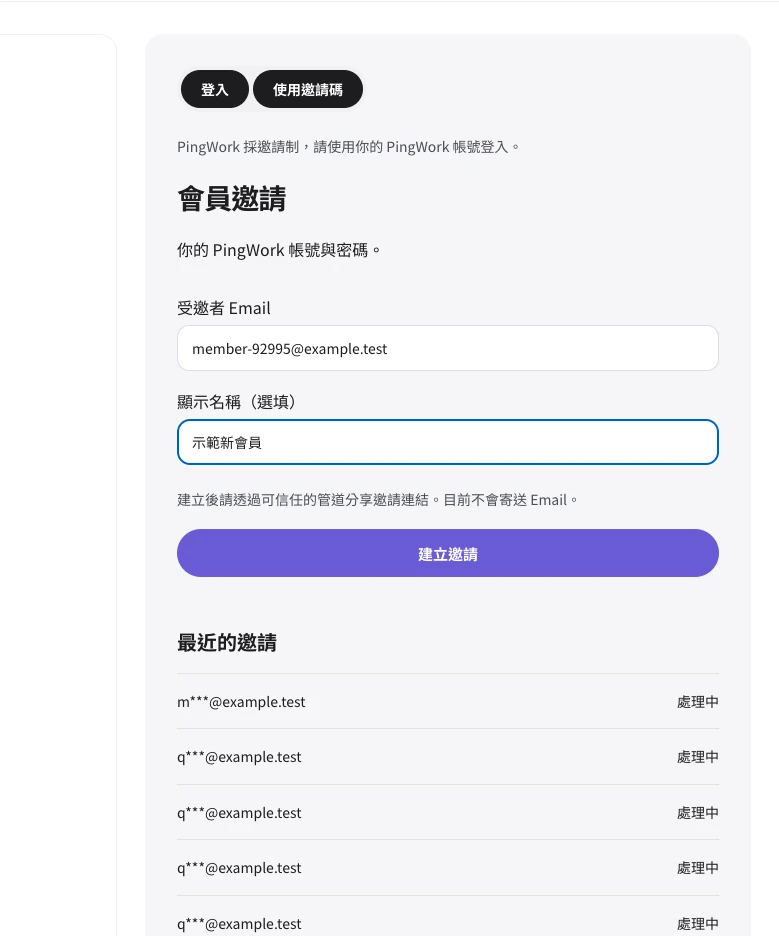
- Sign in, open “Member invitations,” and enter the recipient’s email and any required fields.
 View full size
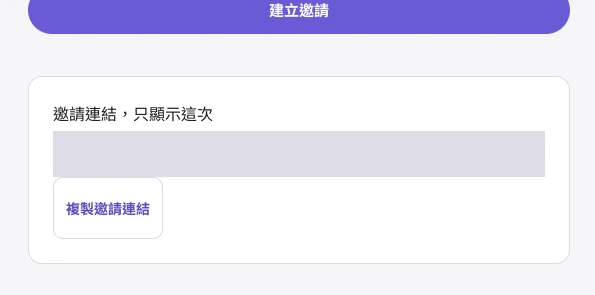
Example · In “Member invitations,” enter the recipient’s email and an optional display name. - Select “Create invitation,” copy the link shown, and share it with the recipient through a trusted channel.
 View full size
Example · After creation, use “Copy invitation link.” The one-time link is obscured here.
Check the result
Check the invitation status under “Recent invitations.”