Search and filter jobs
You can browse public jobs. Filters apply to the information published with each listing.
Steps
- Search by title, skill, or company. Narrow the results by location or use quick filters for remote work, visa sponsorship, or one-click apply.
 View full size
Enter a keyword and location, then choose “Search.” Quick filters appear below the search bar. - Open the role and check its source, location, and application route.
 View full size
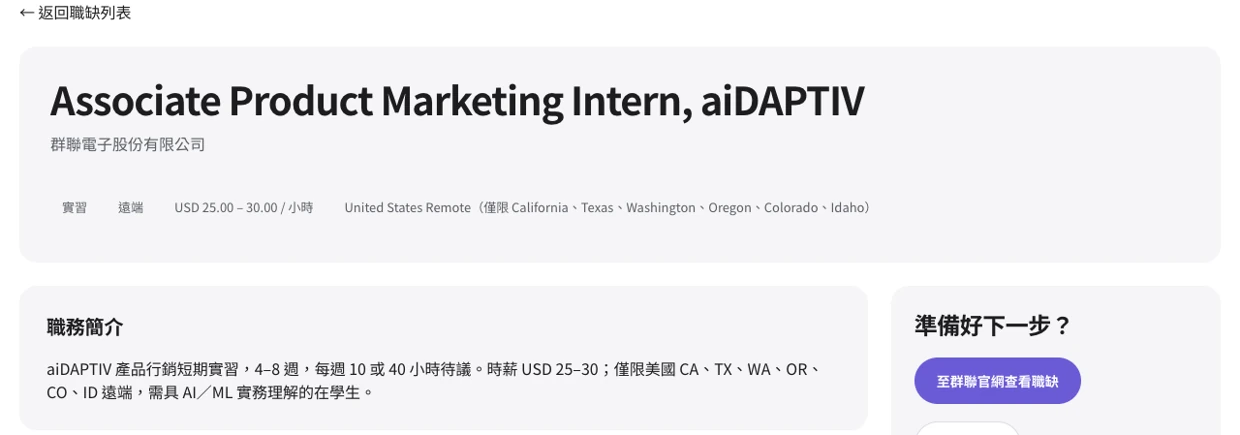
The job details show the employer, location, and application route. This example links to the Phison site. - If the job details show pay, check the amount, currency, and pay period together, such as USD 25 to 30 per hour.
 View full size
The details line shows all three pay components: currency, amount, and hourly period.
Check the result
You can see matching public jobs and how to apply to each one.