Find companies, view jobs, and follow employers
Use the company directory to find an employer and browse its public profile and jobs.
Steps
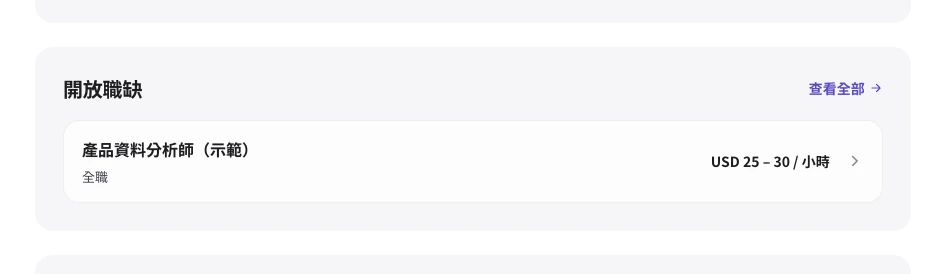
- Search by company name, open the profile, and go to its jobs section.
 View full size
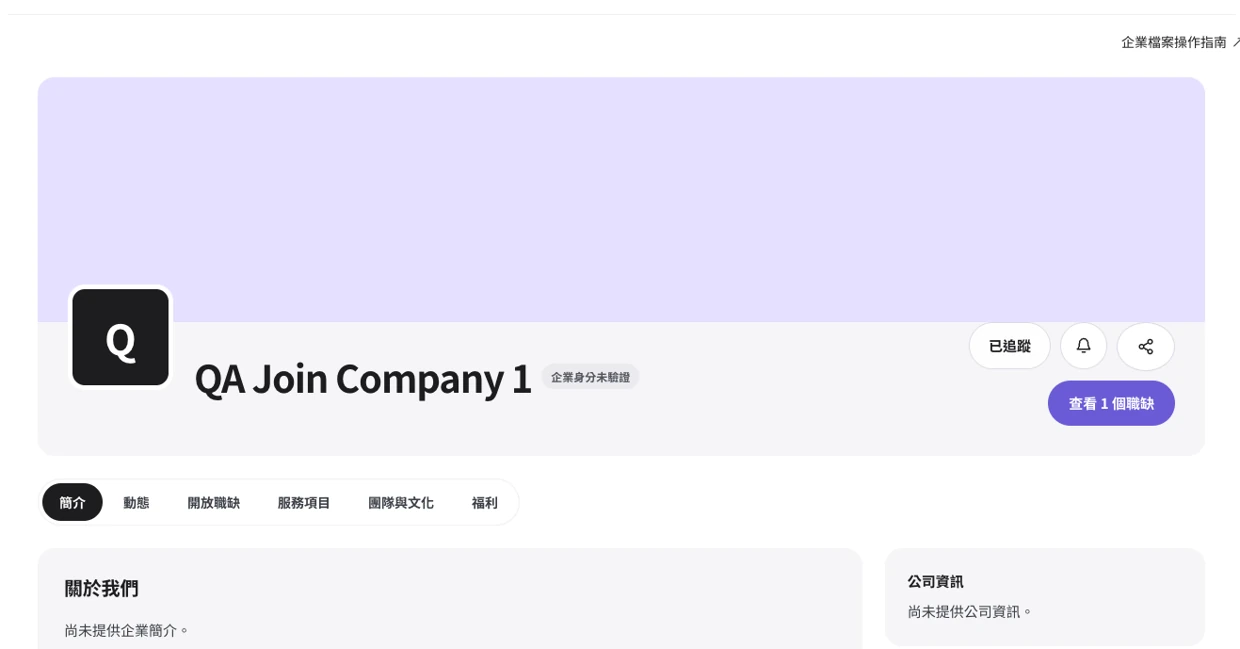
Example · In the company profile, choose “Open positions” to jump to the employer’s public listings. - Sign in and select “Follow company” where offered. Select “Following” to unfollow.
 View full size
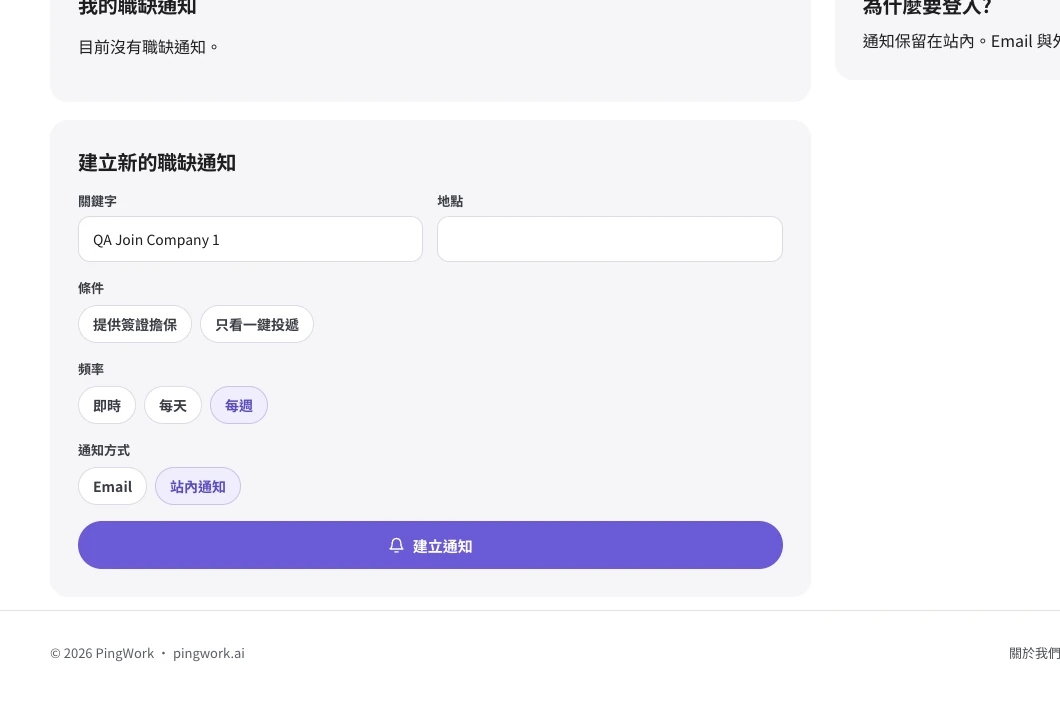
Example · “Following” on the company profile means it is currently followed. Select it again to unfollow. - To create a job alert for the company name, use the bell to open Job alerts, then review and save the criteria.
 View full size
Example · The bell on the company profile pre-fills the company name in a job alert. Review its frequency and delivery channel.
Check the result
You can view jobs currently listed on PingWork and see your follow status on supported profiles.