View an application receipt or withdraw
Use My applications to find submissions made through PingWork.
Steps
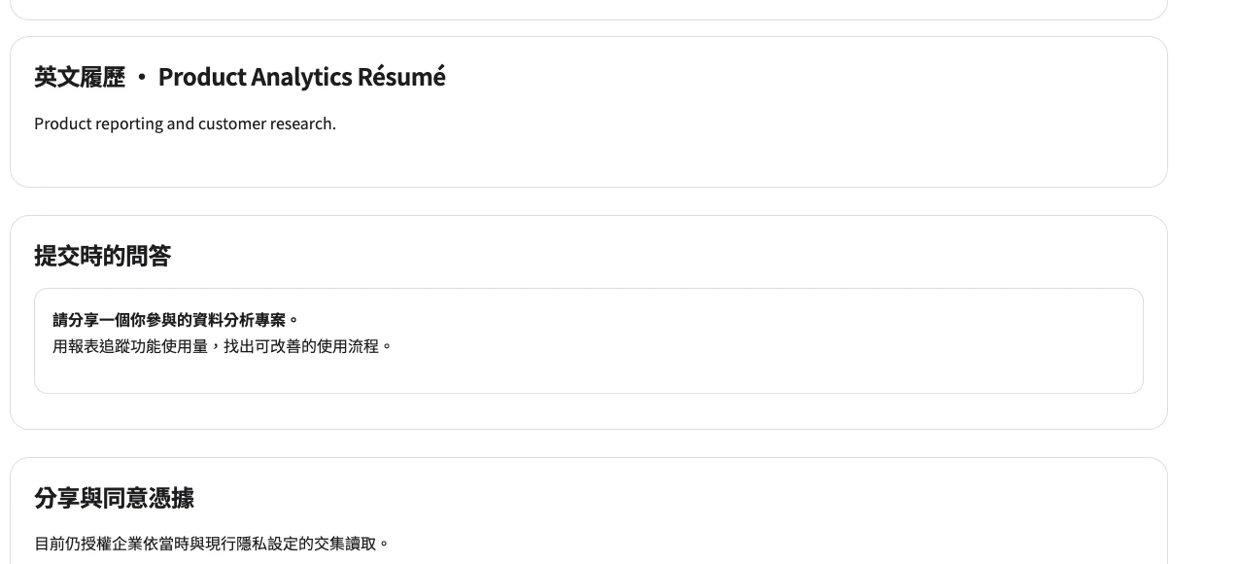
- Sign in, open “My applications,” and choose “View submission receipt” for the job. Check the submitted résumé versions, answers, and sharing consent.
 View full size
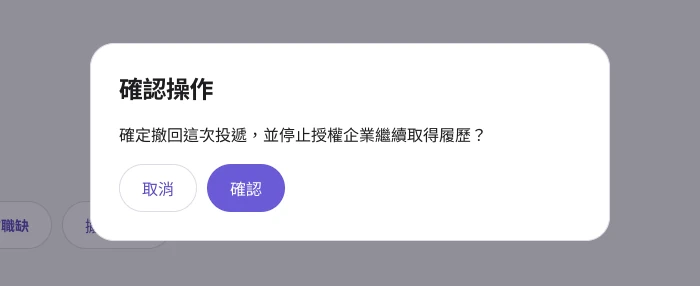
Example · “My application receipt” retains the submitted résumé versions, answers, and sharing consent. - To withdraw, return to “My applications,” select “Withdraw” on the application, and confirm.
 View full size
Example · “Withdraw” opens a confirmation. Check the intended application and read how withdrawal changes access.
Check the result
When the application shows “Withdrawn,” the employer loses access to the résumé for that submission. You can still view the original receipt.