Find Taiwan Next volunteer, partner, and organizer resources
Volunteers and partners can follow the program’s links to assignments or membership information. Program management and embedding require authorization.
Steps
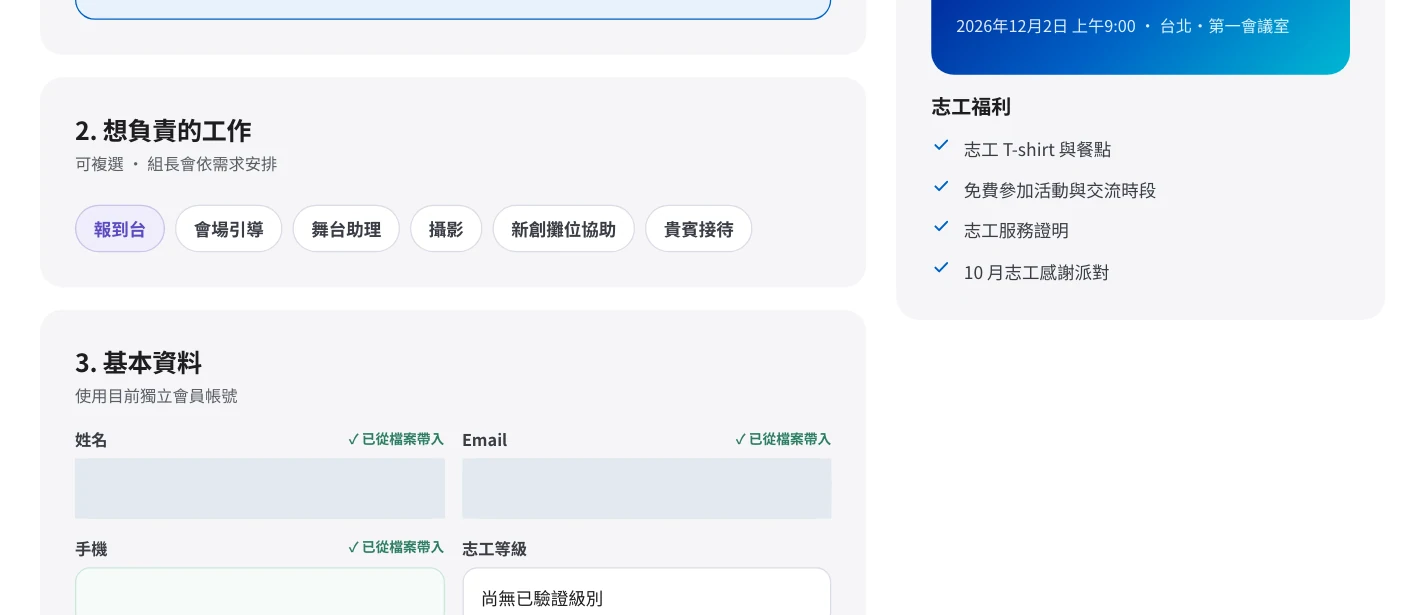
- If the organizer provides a volunteer sign-up link, check the event, shift, and duties, then submit the form and keep the confirmation.
 View full size
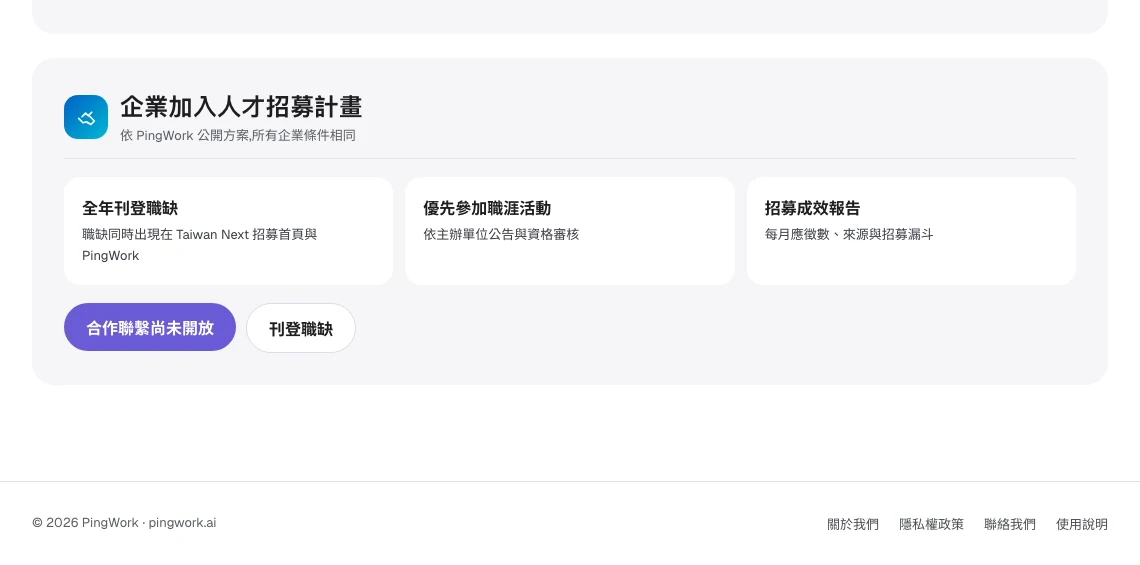
Example · Choose a shift you can attend and the tasks you can help with on the volunteer form. - Partners can read published information in “Partners.” If inquiries are closed, use the contact option announced by the organizer.
 View full size
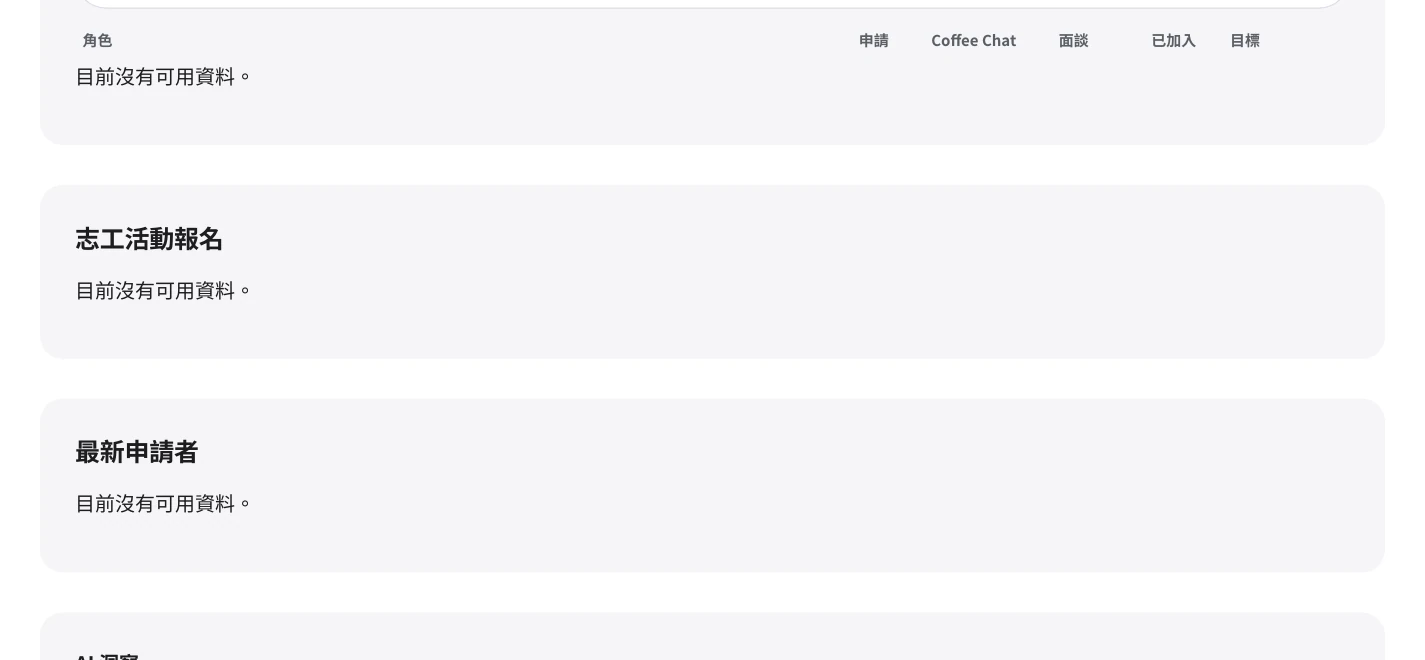
When the partner inquiry section says it is closed, use the contact method announced by the organizer. - Organizers can open the authorized admin workspace, select the correct company, and review the program, events, and vacancies.
 View full size
Example · In the authorized Taiwan Next recruiting workspace, review roles and volunteer event registrations for the program.
Check the result
Volunteers can confirm submission from their receipt. Organizers can check published information on the public program page.