Access Contact TAIWAN as an organizer or exhibitor
Exhibitors use the registration link supplied by the organizer. Organizers work in the project workspace they are authorized to access.
Steps
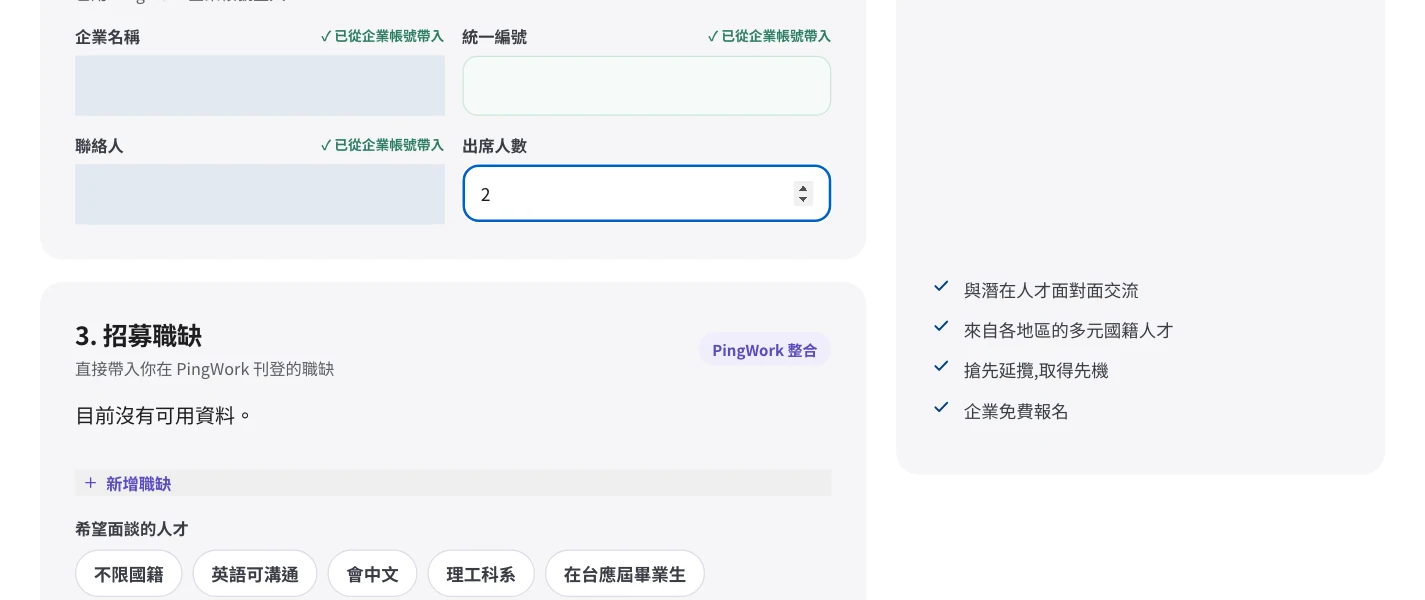
- As a participating employer, confirm the event, fill in the company and contact details, and keep the registration confirmation.
 View full size
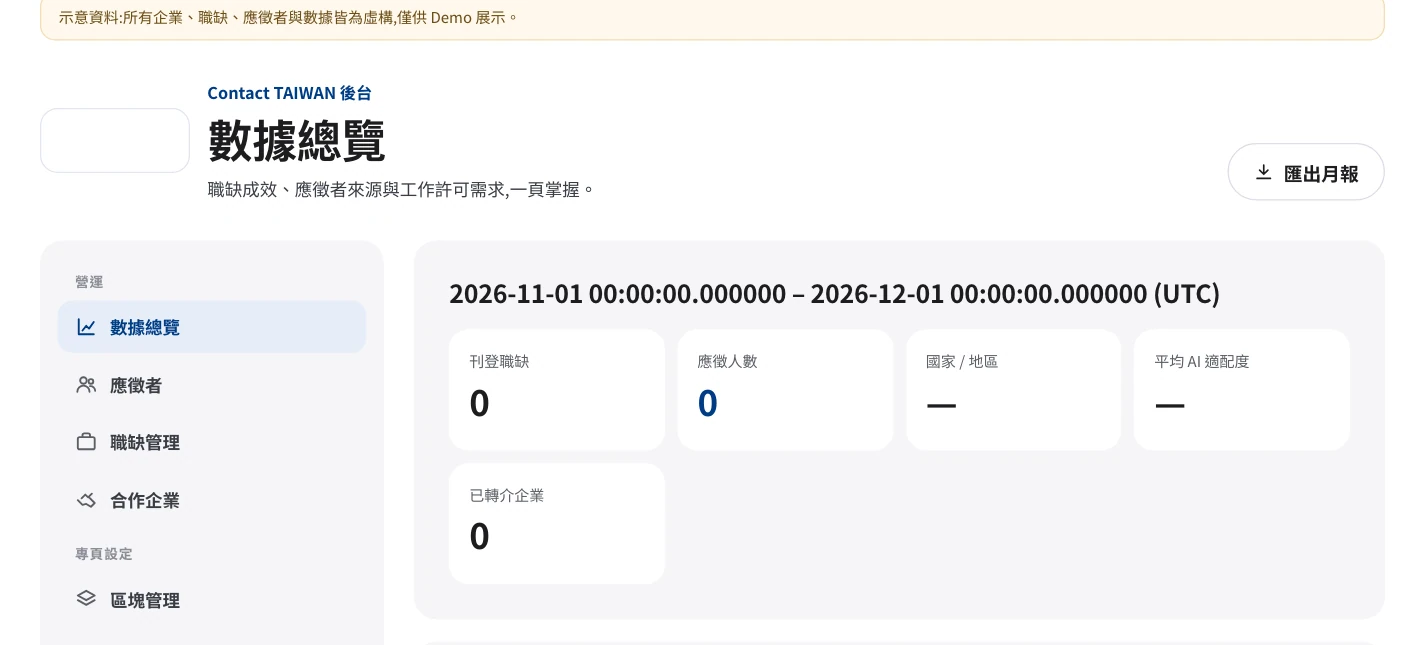
Example · Review the jobs, attendance and talent preferences for the selected session. The sample uses two attendees. - As program staff, use the authorized dashboard, job management, and applicants views. Check the job or event associated with each record.
 View full size
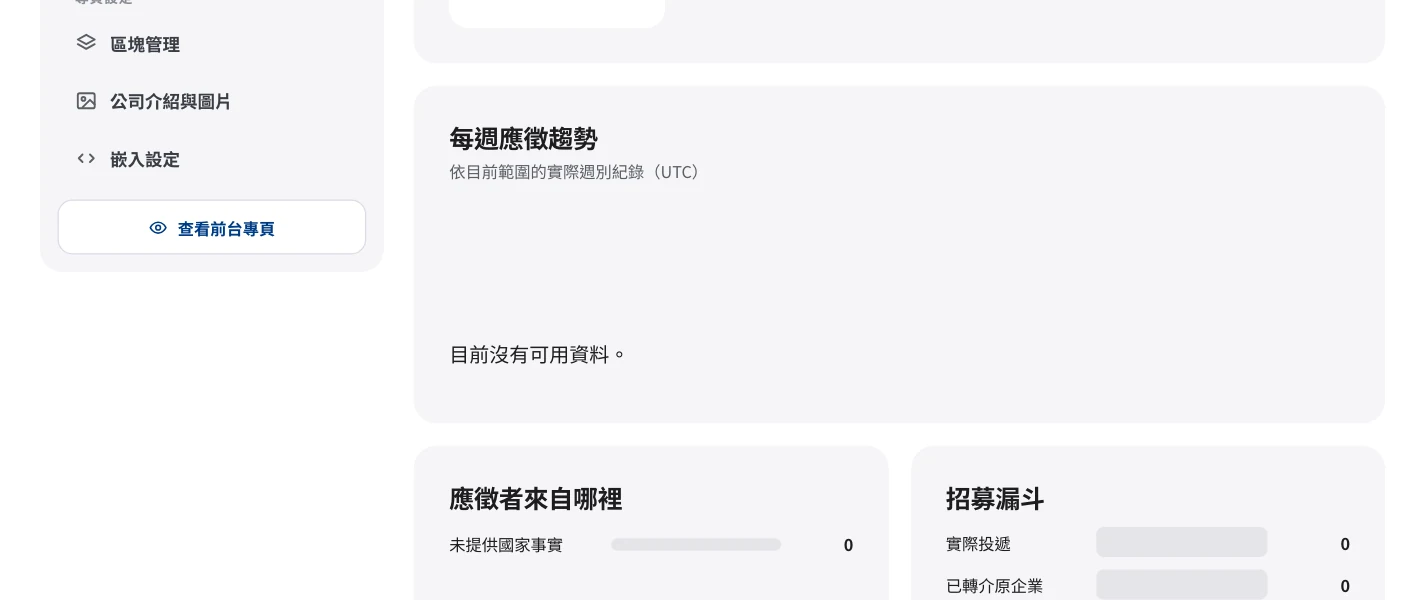
Example · The dashboard shows job and application counts. Use its sidebar to open applicants or job management. - Check the public company page and event link. If the assigned organization or records are missing, have the organizer ask PingWork to check the program setup.
 View full size
Example · Open the public-facing page from the dashboard to cross-check the company and event details.
Check the result
Exhibitors can keep the registration confirmation. Organizers can view jobs and applicants for their program.