Invite a partner company and manage data access
A company owner starts the invitation and specifies what the partnership may share.
Steps
- Open Partner companies and select the organization. If you have its confirmed company UUID, you can enter it in the designated field.
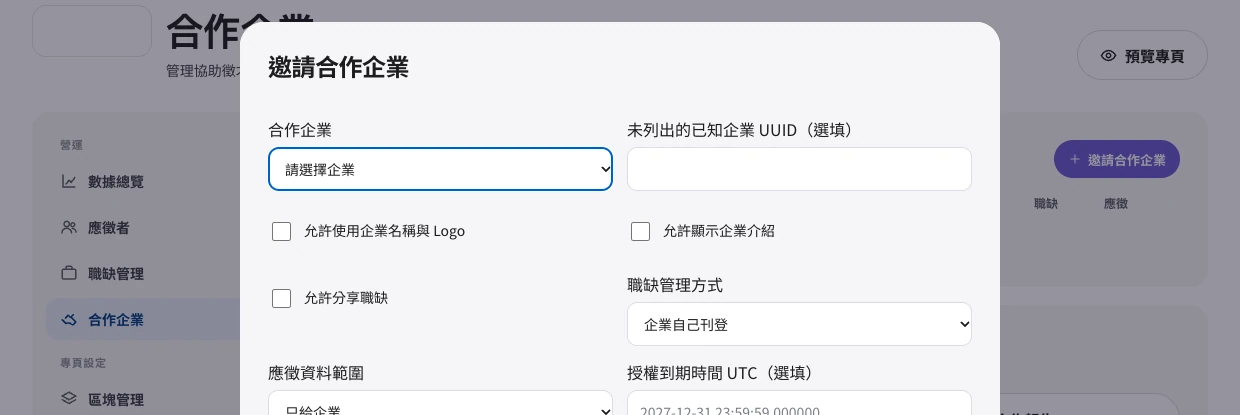 View full size
Example · In “Invite a partner company,” select the company or enter its verified UUID. - Review the name and logo, company profile and job permissions. Check who manages postings and whether applicant visibility is shared, then submit the invitation.
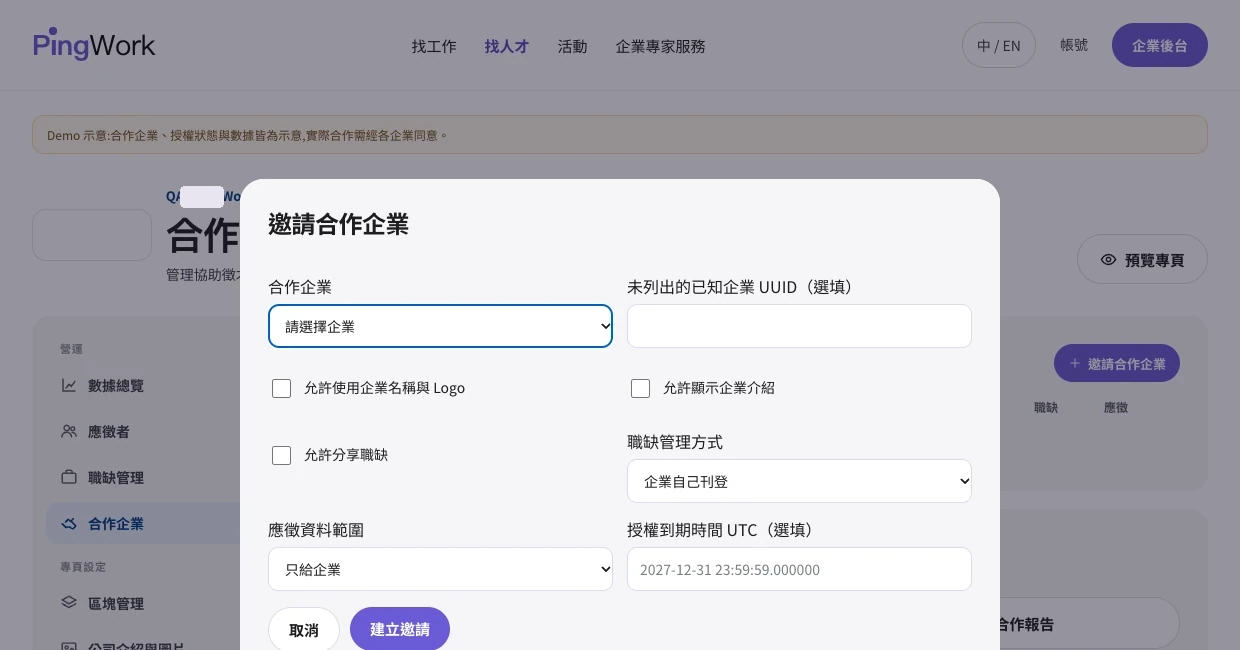 View full size
Example · Review data access, who manages job listings, and who can see applicants. - Return to the list and check the invitation status and approved scope. Obtain renewed partner approval before expanding permissions.
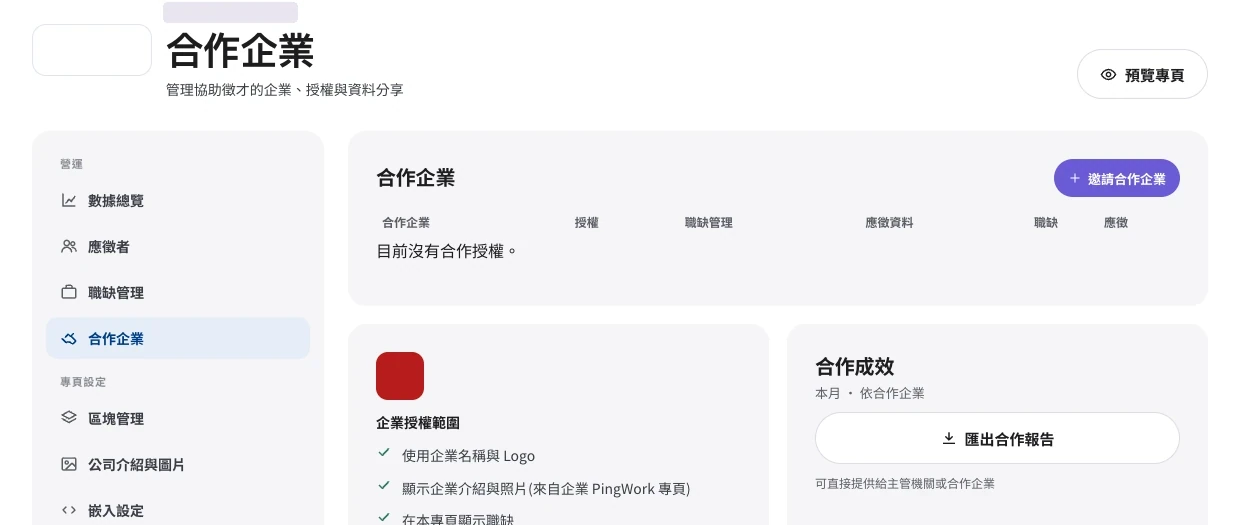 View full size
Example · Return to “Partner companies” for current relationships and permissions. This demo workspace has no created invitations.
Check the result
The partner list shows which relationships are pending and which have been authorized.