View company hiring reports
Hiring reports summarize jobs, candidate stages and application sources for the selected organization.
Steps
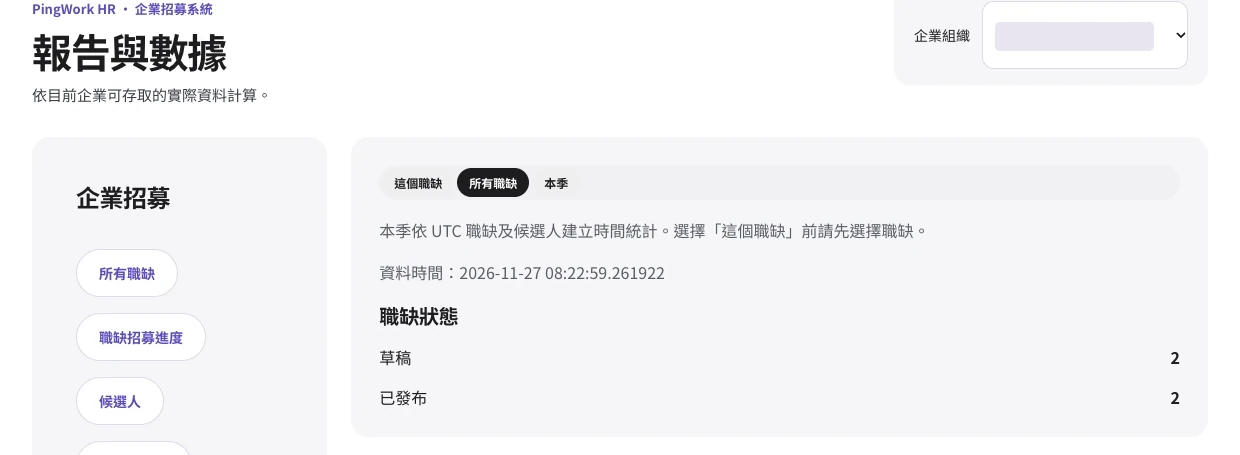
- Open Reports from the recruiting workspace. Verify the selected company and the displayed “as of” time.
 View full size
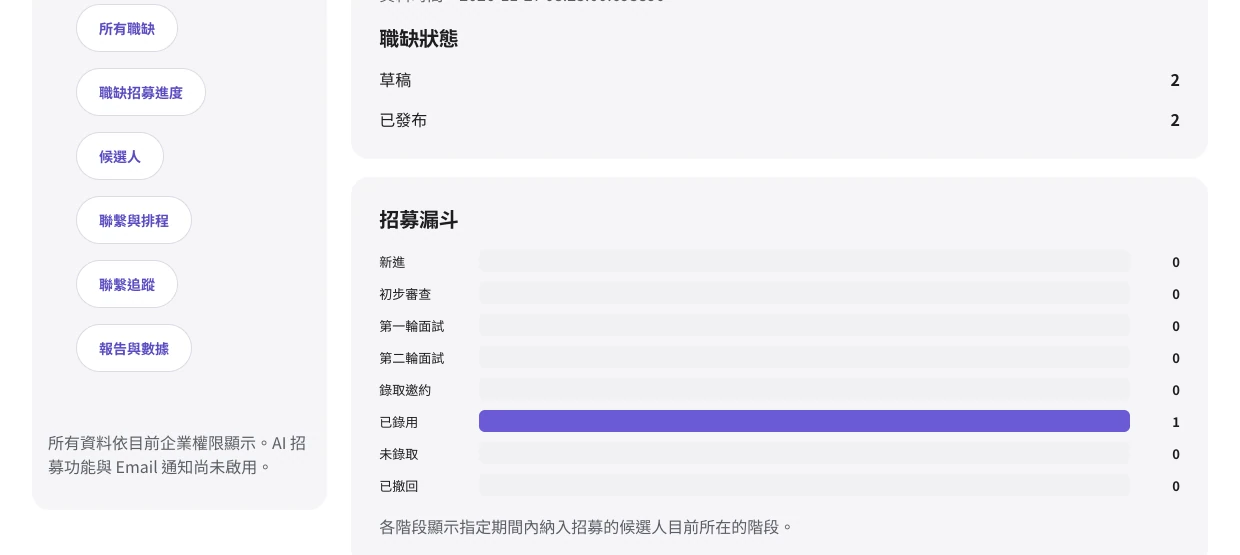
Example · In “Reports,” verify the company scope and the report’s update time. - Read job status, candidate stages and sources. For quarter-to-date comparisons, use the UTC calendar boundaries and the time records entered the workspace.
 View full size
Example · Use “This quarter” to read job and candidate counts against UTC calendar boundaries. - If totals differ from expectations, check the company, period, job and underlying applications. Keep empty or zero results as shown.
 View full size
Example · Review candidate sources and the hiring summary, then reconcile the counts with workspace records.
Check the result
You can reconcile the report with the records available in that workspace.