Find a mentor and check available services
Check published mentor profiles and their bookable services before deciding whether you need a plan.
Steps
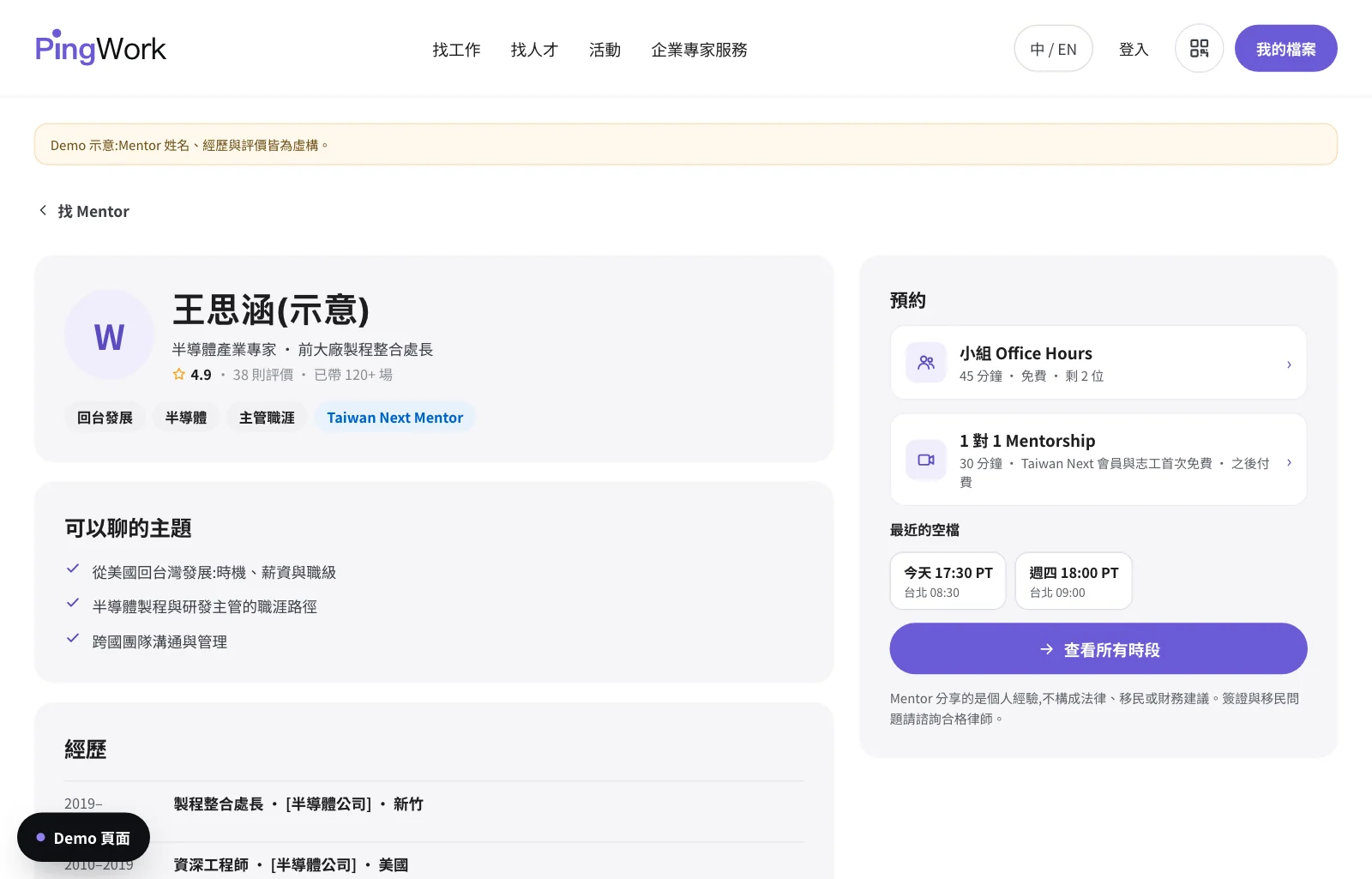
- Open a profile from Find a mentor and check the services and bookable appointment types.
 View full size
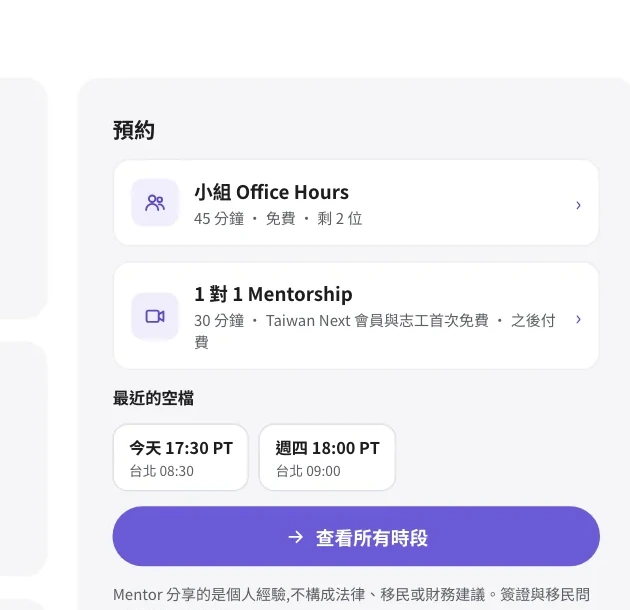
Example · The sample mentor profile lists services, durations and available booking entry points. - If you have the required benefit and there is an available slot, use the booking link for that service. Otherwise, return to the directory to check another mentor.
 View full size
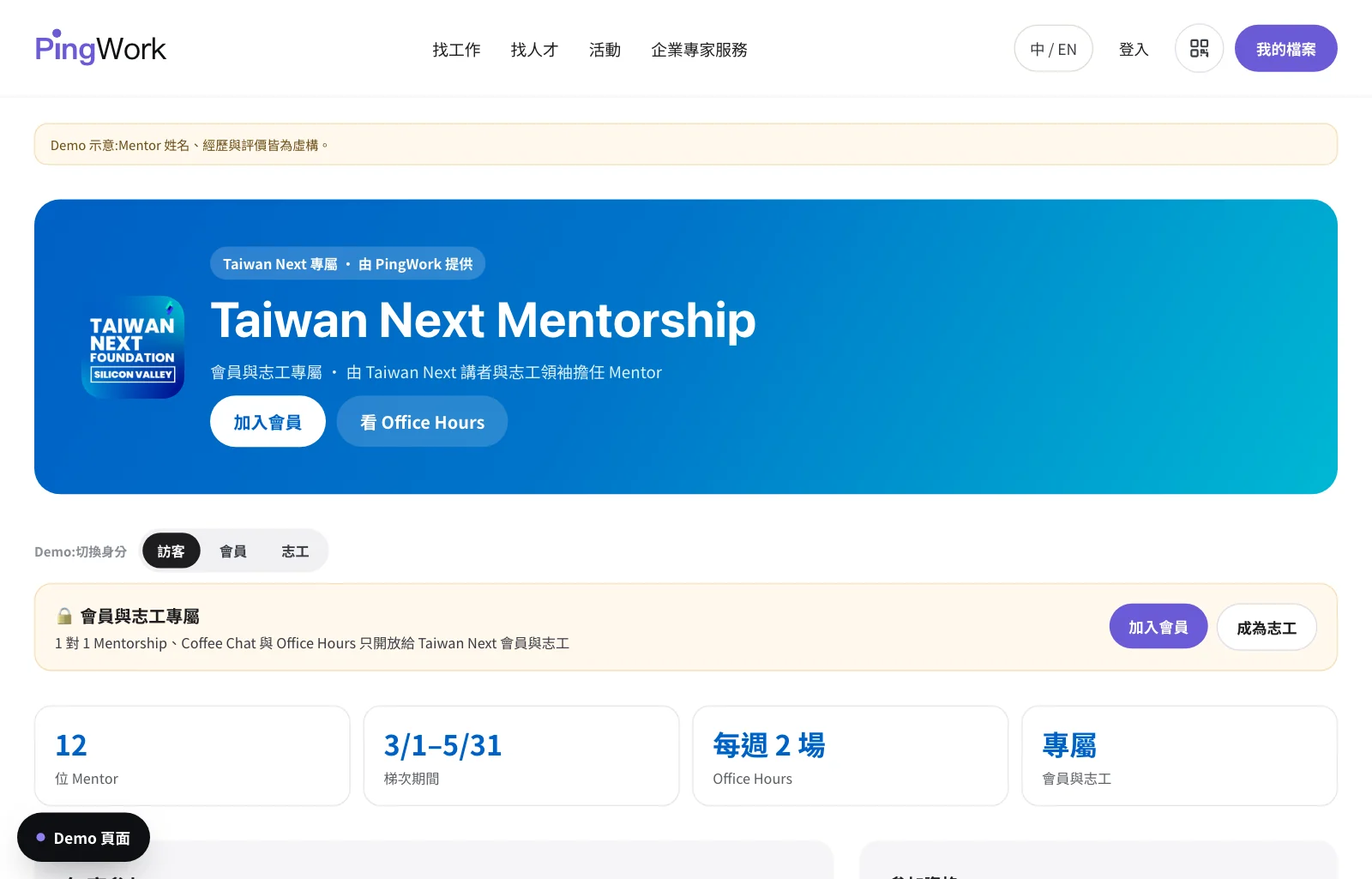
Example · The sample booking panel shows group and one-to-one services. Choose an eligible service, then check available times. - If an organization program or plan is required, open the organizer’s specific program link, review eligibility and rules, and check the status after applying.
 View full size
The sample organization program page lists eligibility, meeting options and the enrollment entry.
Check the result
Only currently approved benefits can be used for booking. A request receipt confirms that the organizer received your application.